
Road Trippers
Hit the road with a Plan, a Map, and directions, all in one place
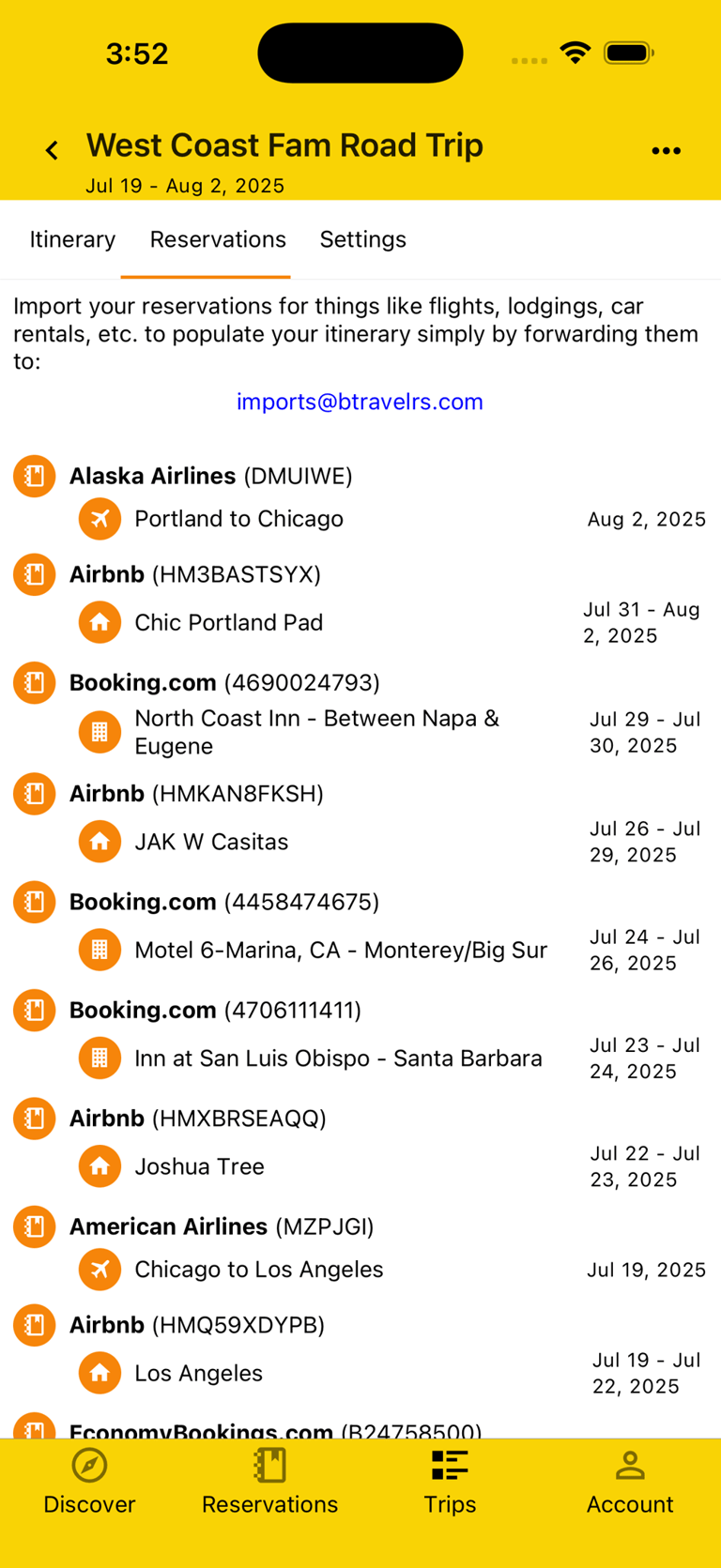
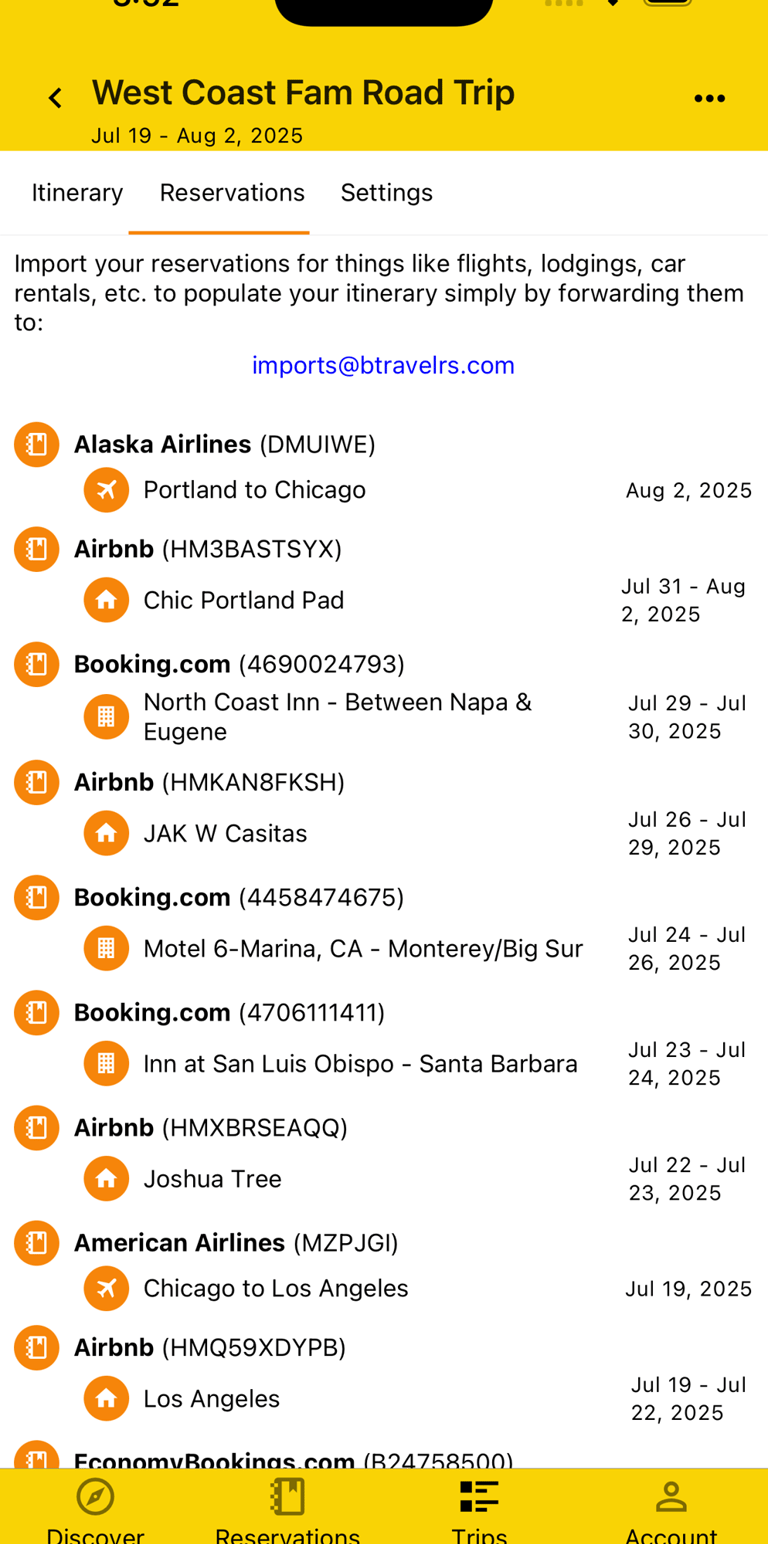
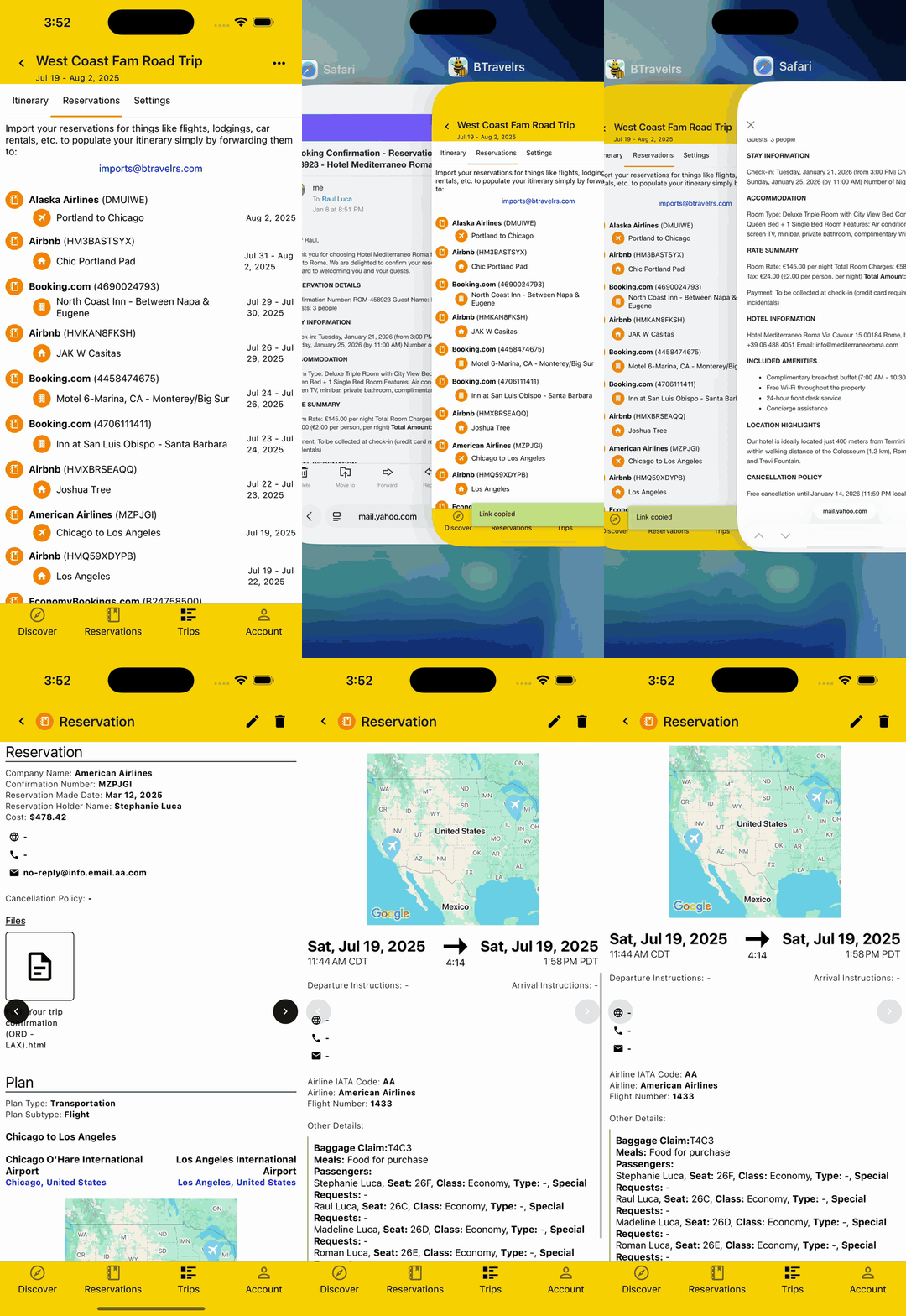
Aggregate Reservations
From Point A to Z, and everything in between, there's a lot to keep track of. Whether it's a Reservation for a motel or campsite, a national park, or a restaurant along the road, you can easily Import them all by forwarding your booking emails to imports@btravelrs.com and having access to them all in one convenient place.
View Itinerary Multiple Ways
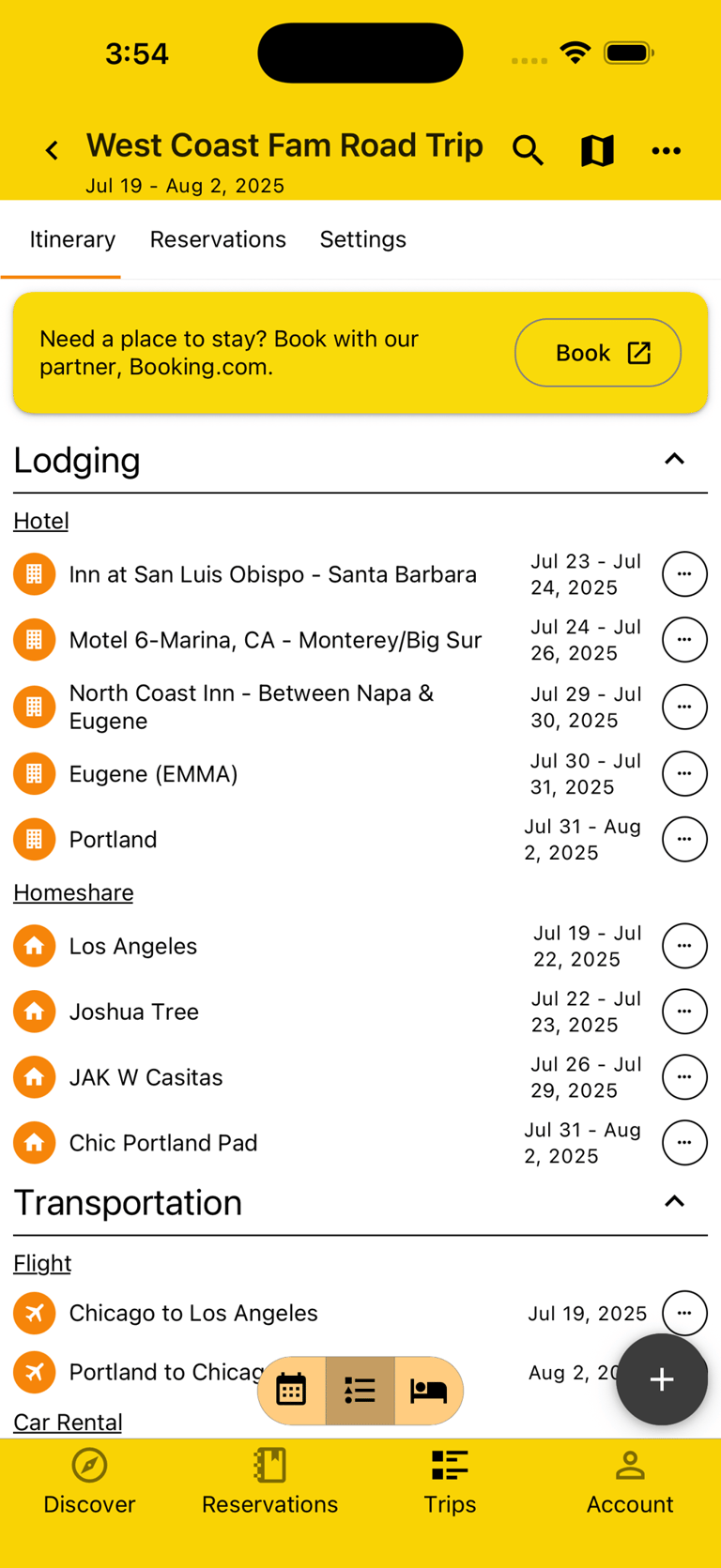
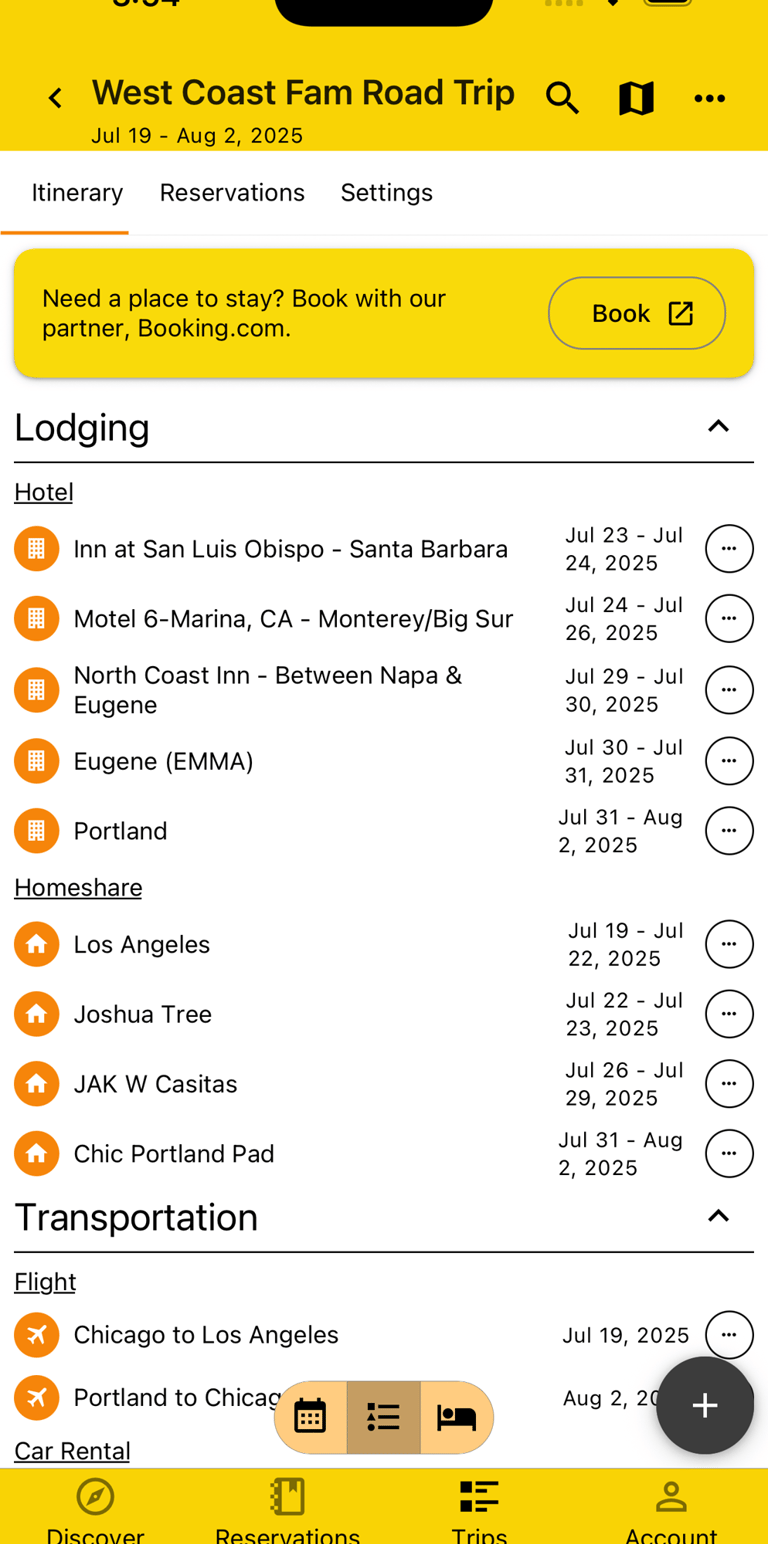
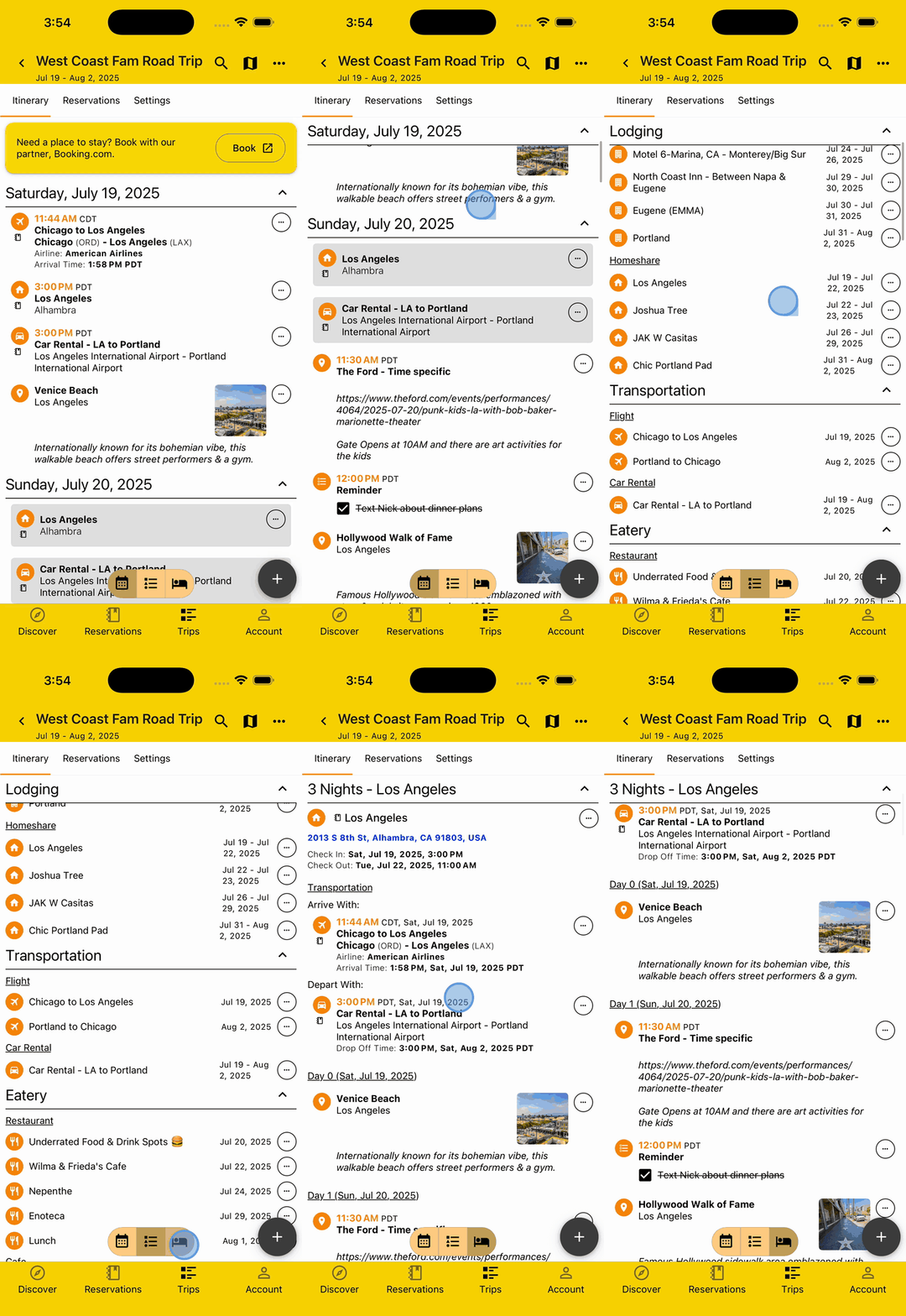
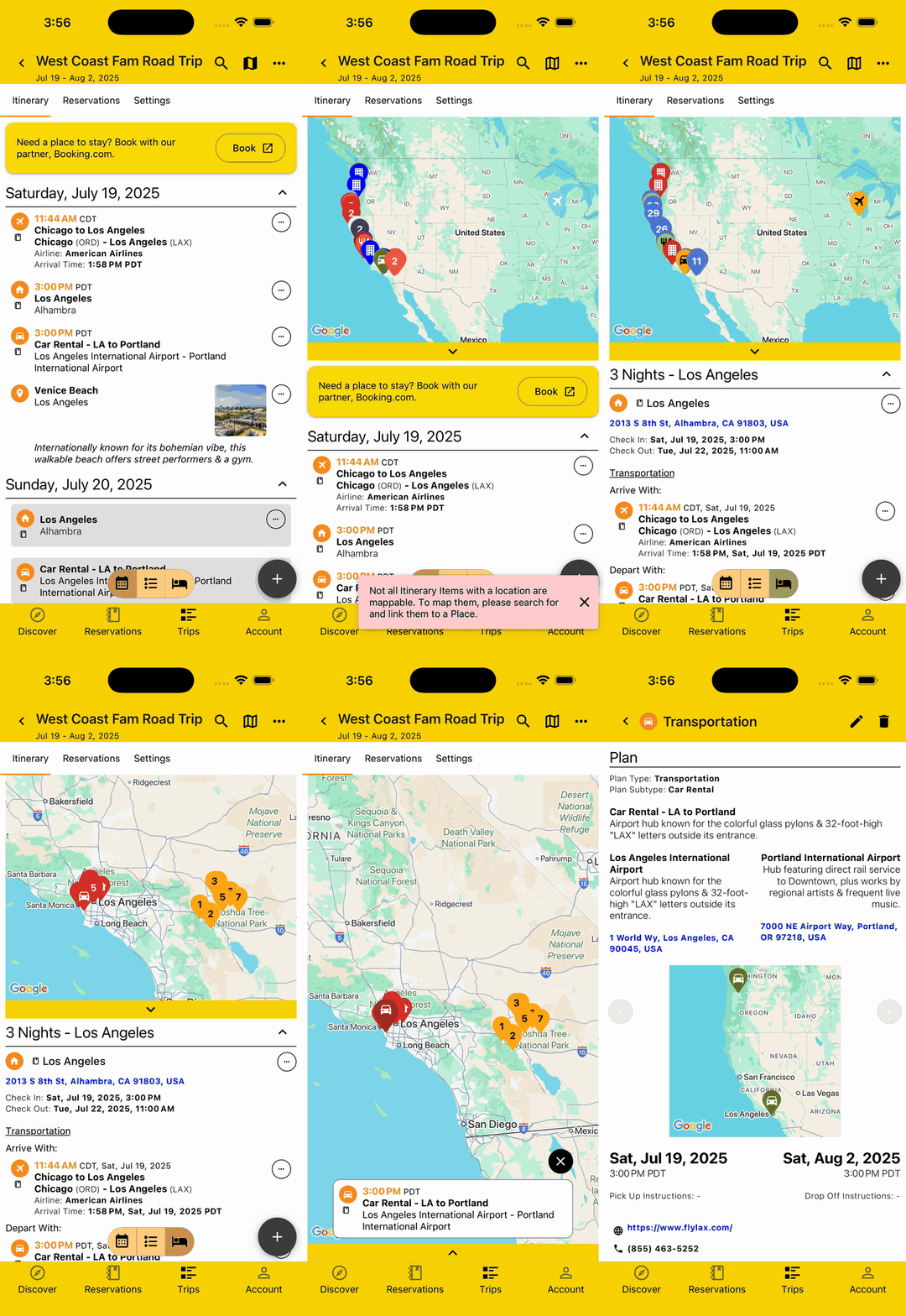
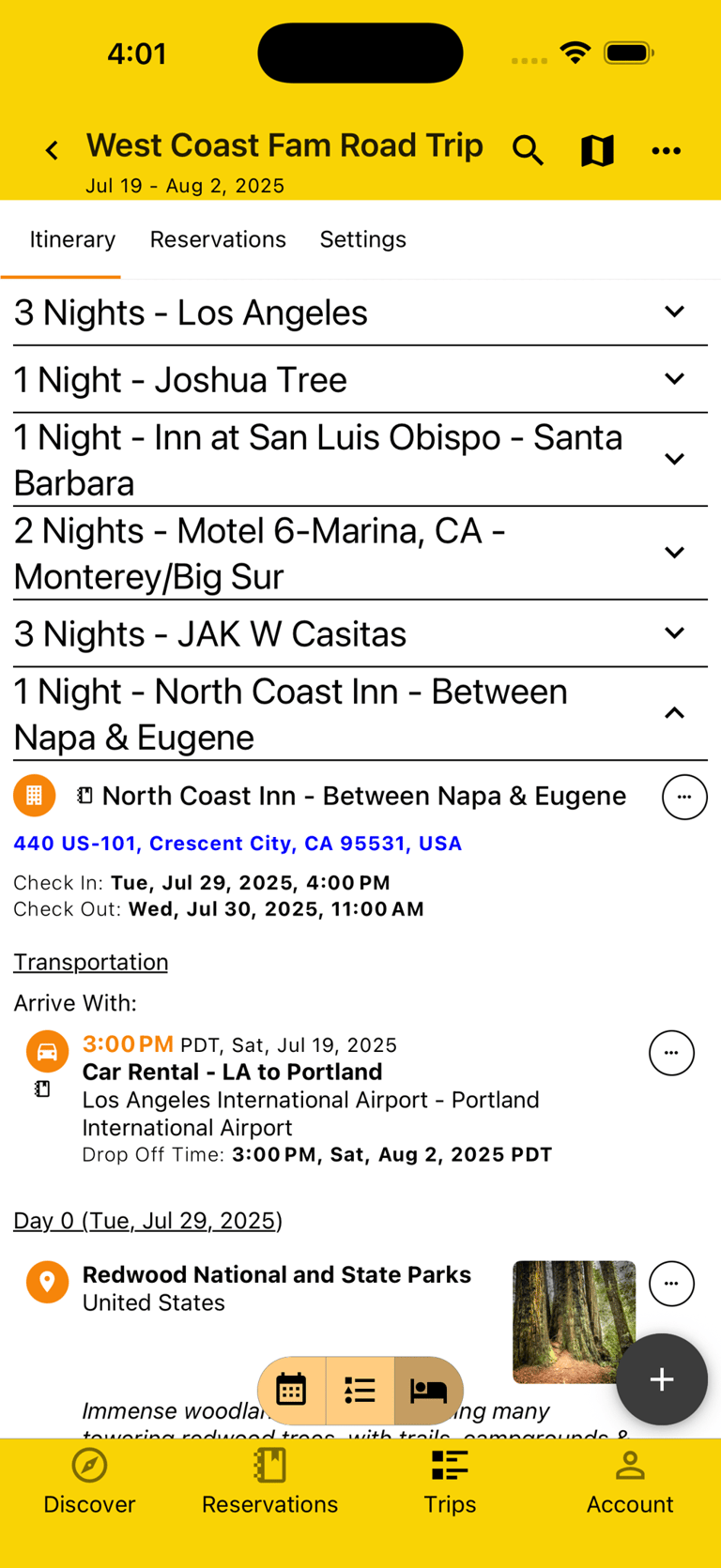
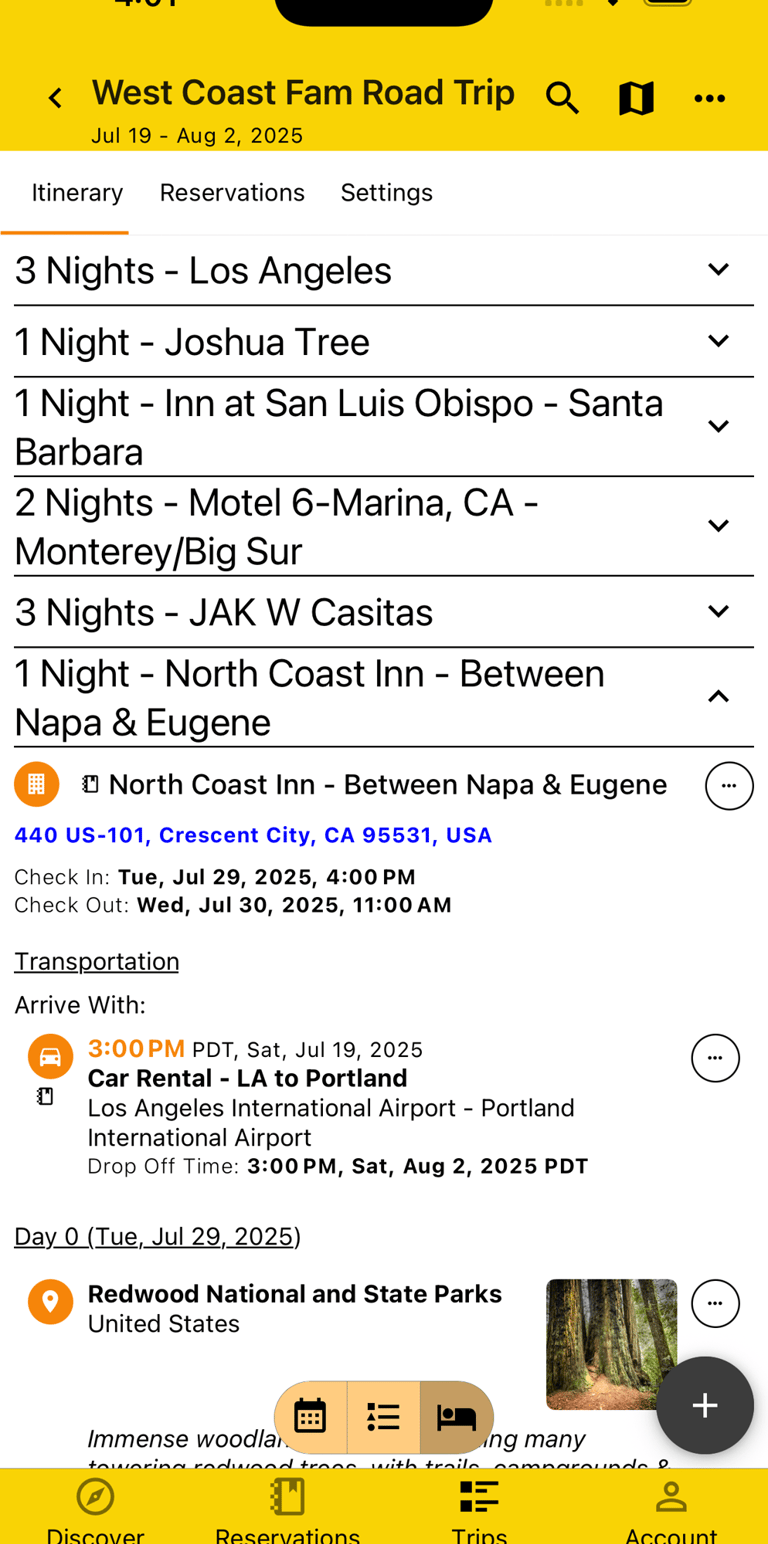
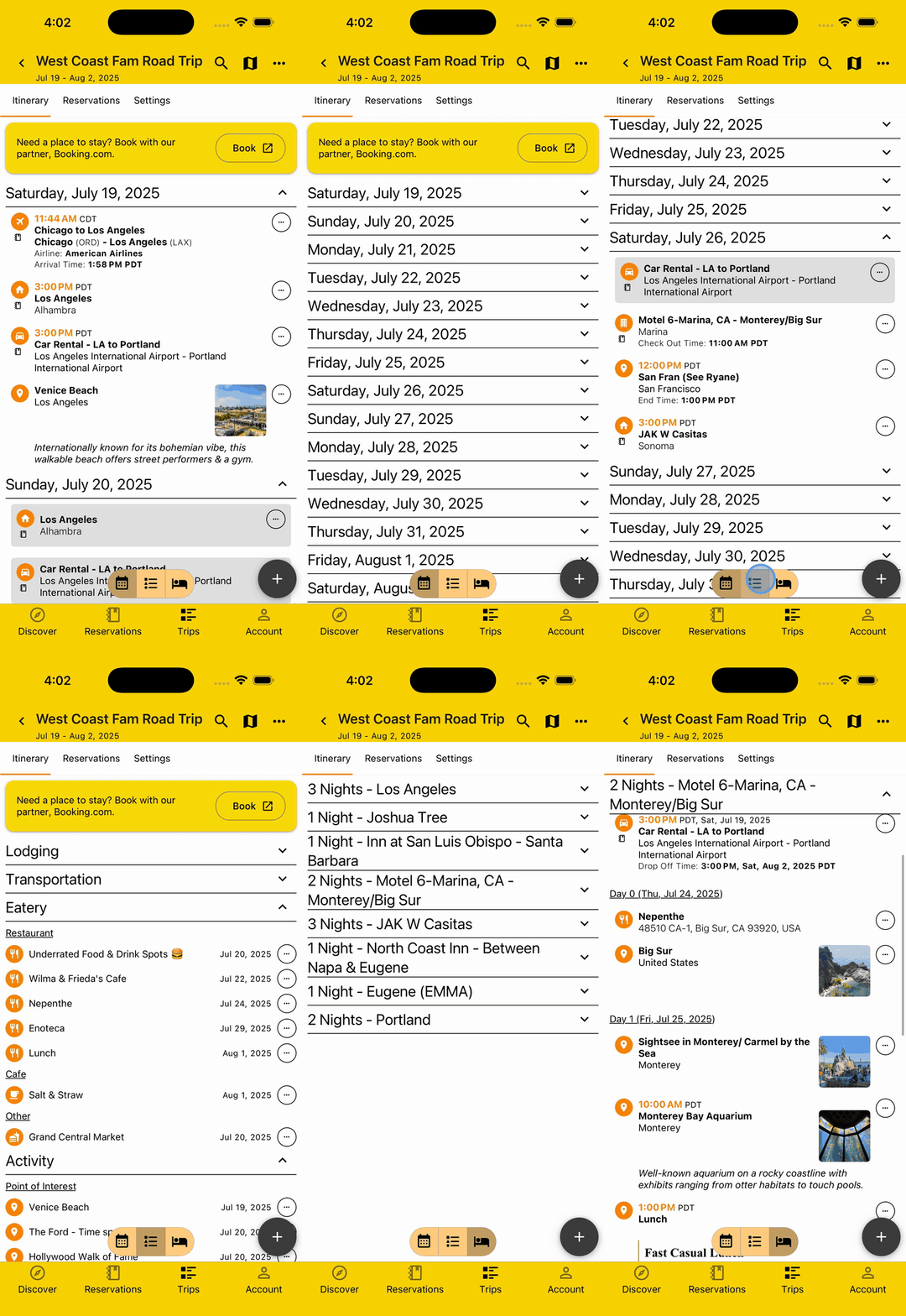
You've got a long, exciting journey ahead with lots to explore. That doesn't mean it should be difficult to see it all. View your Itinerary in three distinct ways, by Day so you can see what's happening chronologically, by Plan Type so you can see an overview of things like Lodgings or Activities, or by Lodging so you can see what you're doing at each and know if you still need to reserve your accommodation.
View Plans on Map
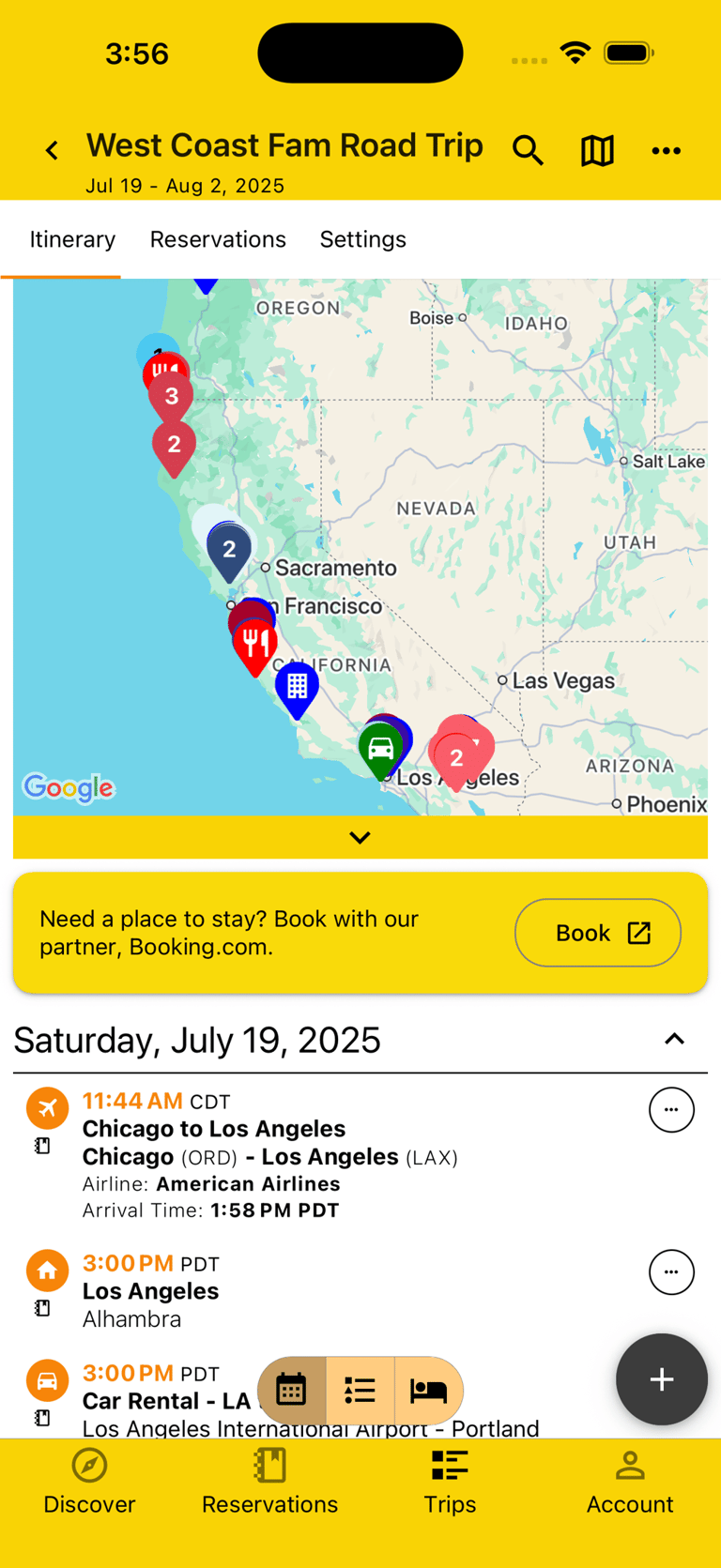
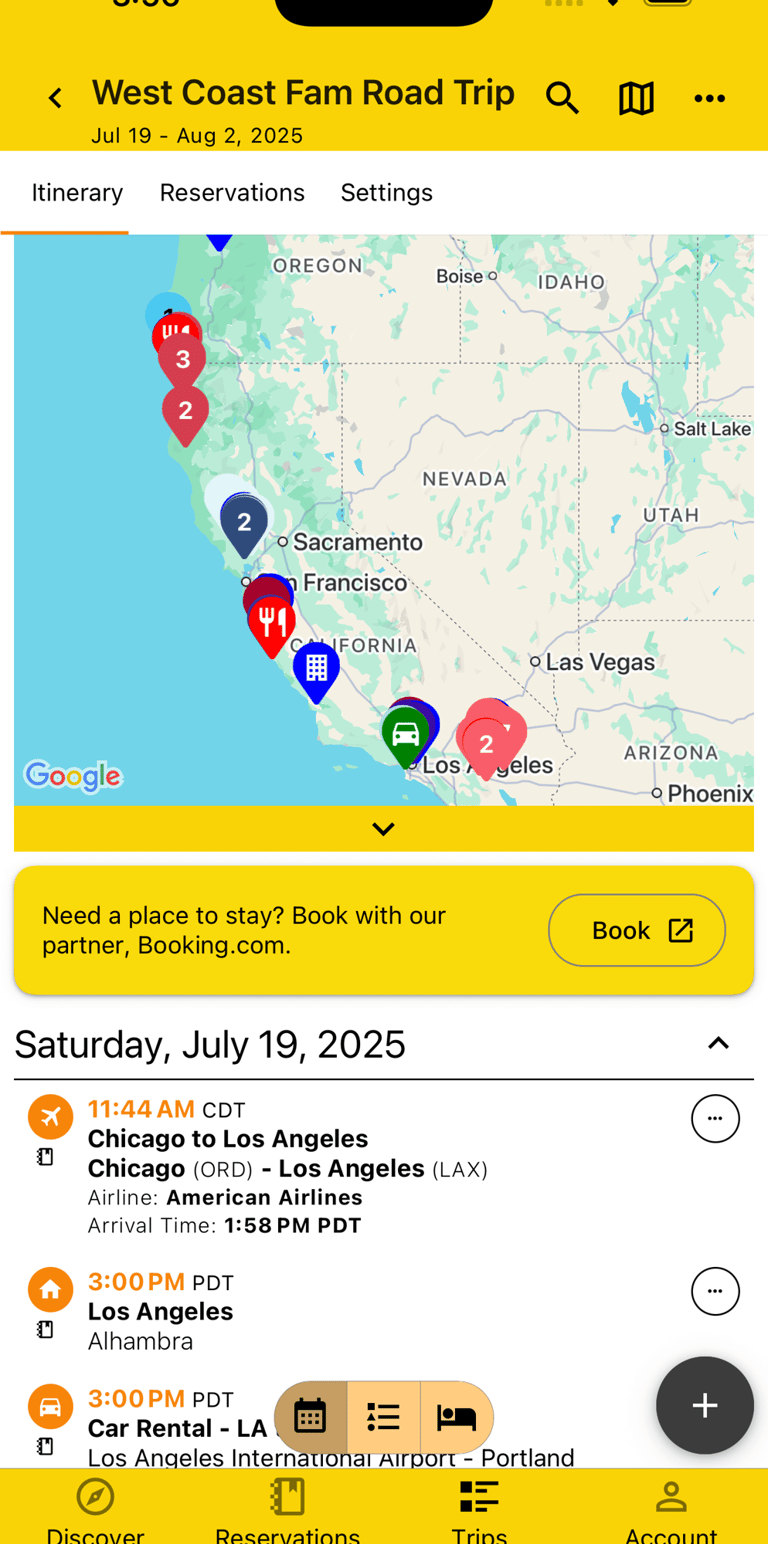
Knowing where you're going and if it all makes logistical sense is critical on a road trip. That's where the Map comes in really handy, allowing you to clearly see all your Plans interactively and view them color coded based on the Itinerary view of Day, Plan Type, or Lodging.
Search Itinerary
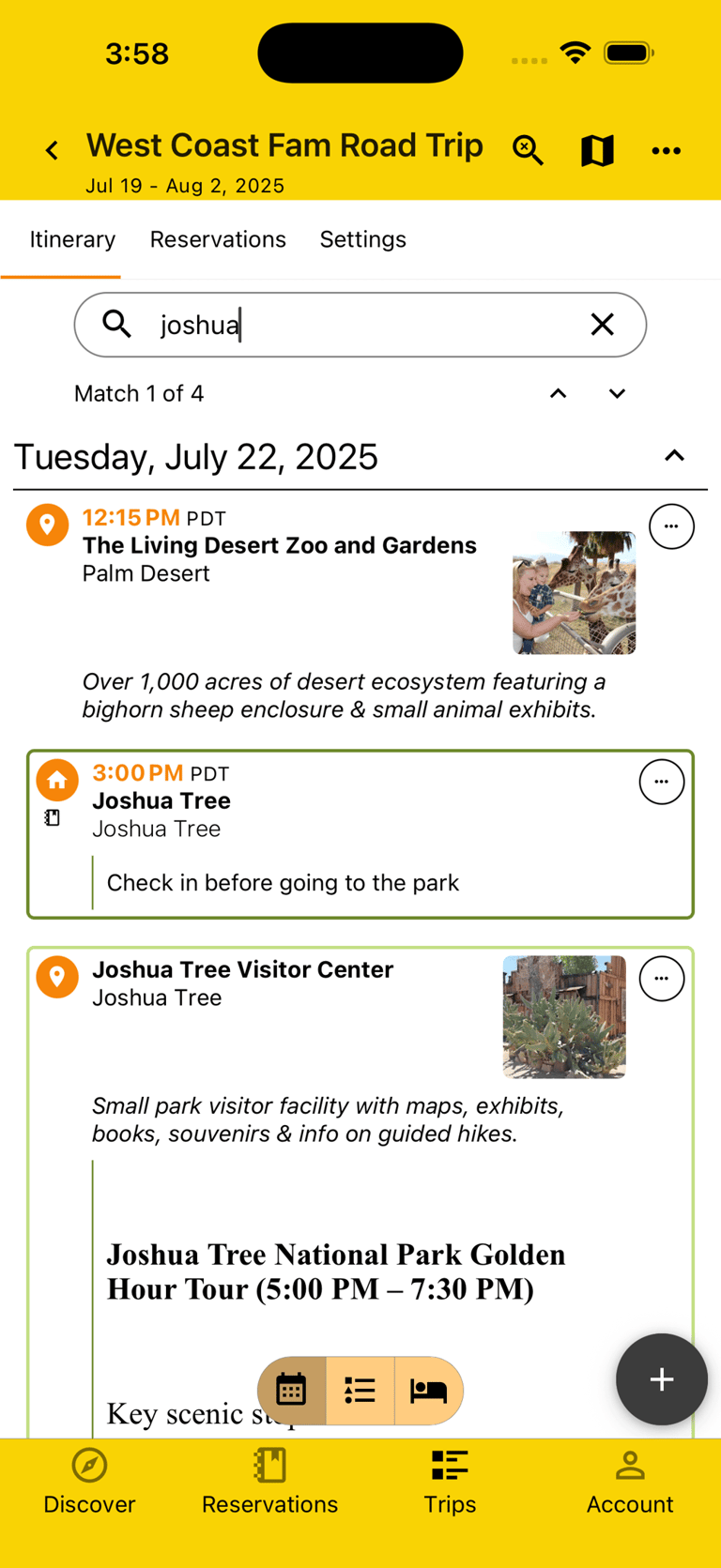
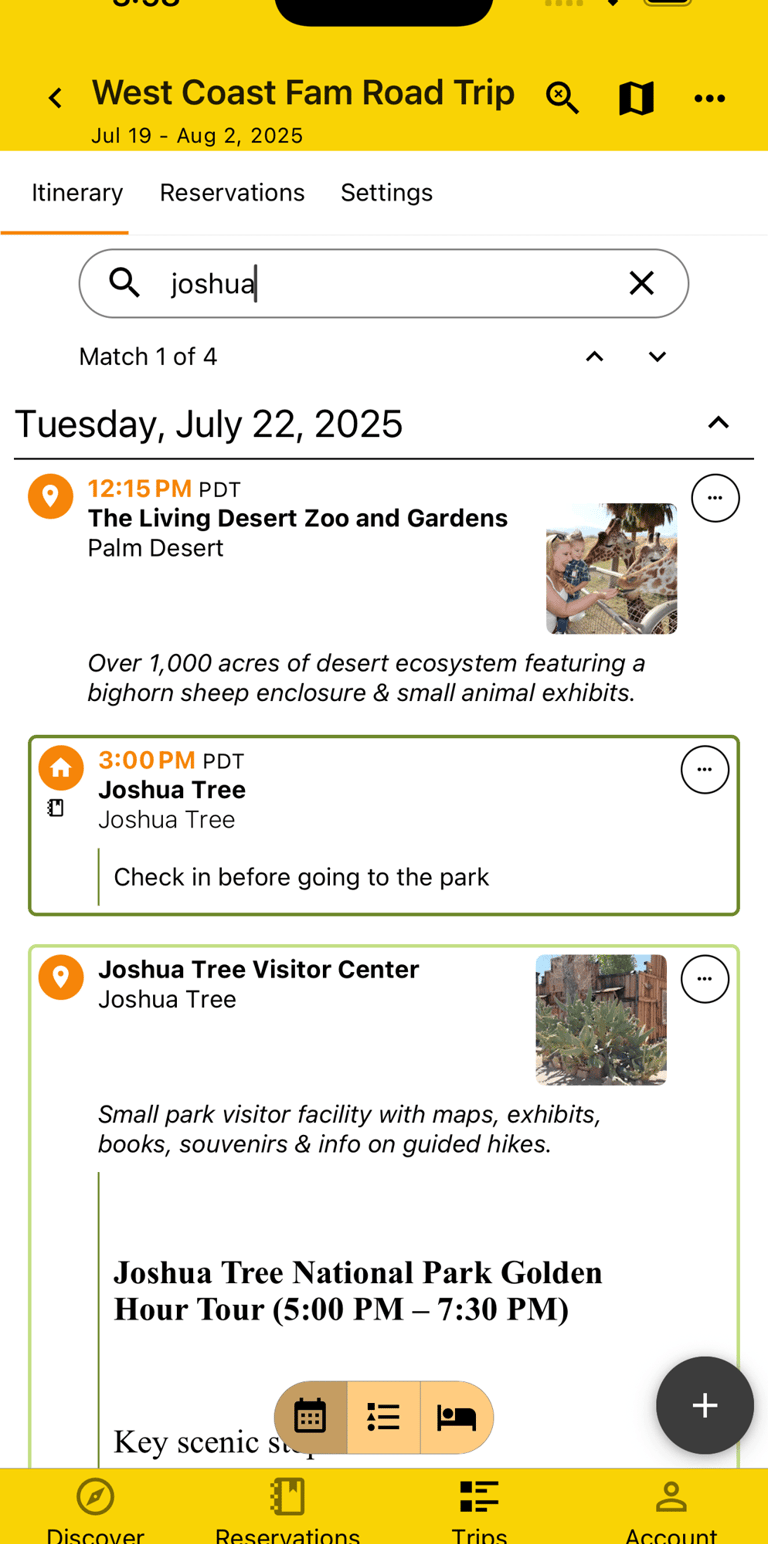
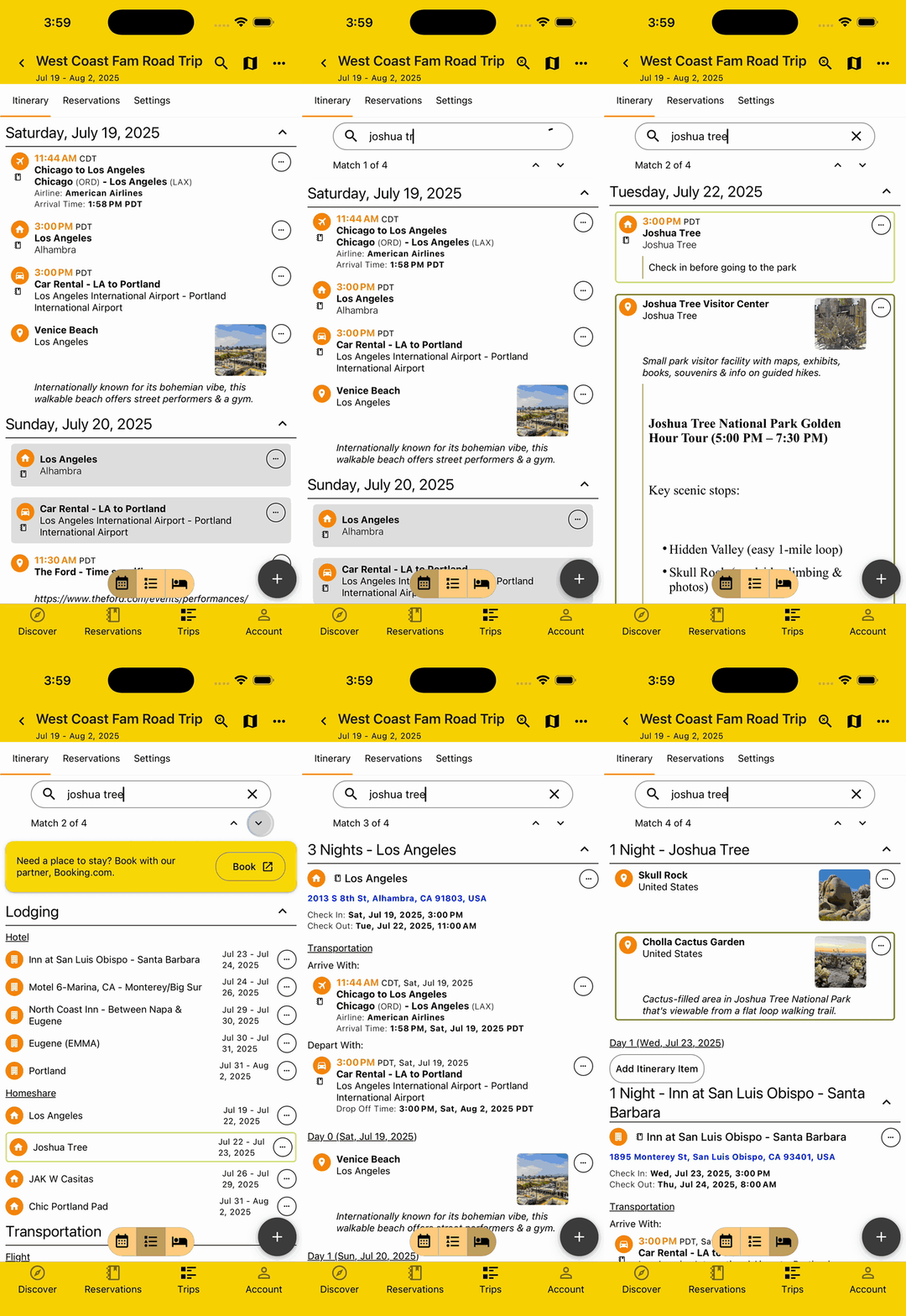
As you add more adventures to your Itinerary, you may start losing your place and wondering where that great pitstop you had in mind is among all your Plans. Quickly find it by searching for any details in the Plan, then get scrolled directly to it or toggle between all matches seamlessly.
Collapse Sections
If you want to visualize things like your Lodgings from a high level or just want to minimize everything but what you're specifically focused on, you can do it by collapsing one or more of the sections on any of the Itinerary views.
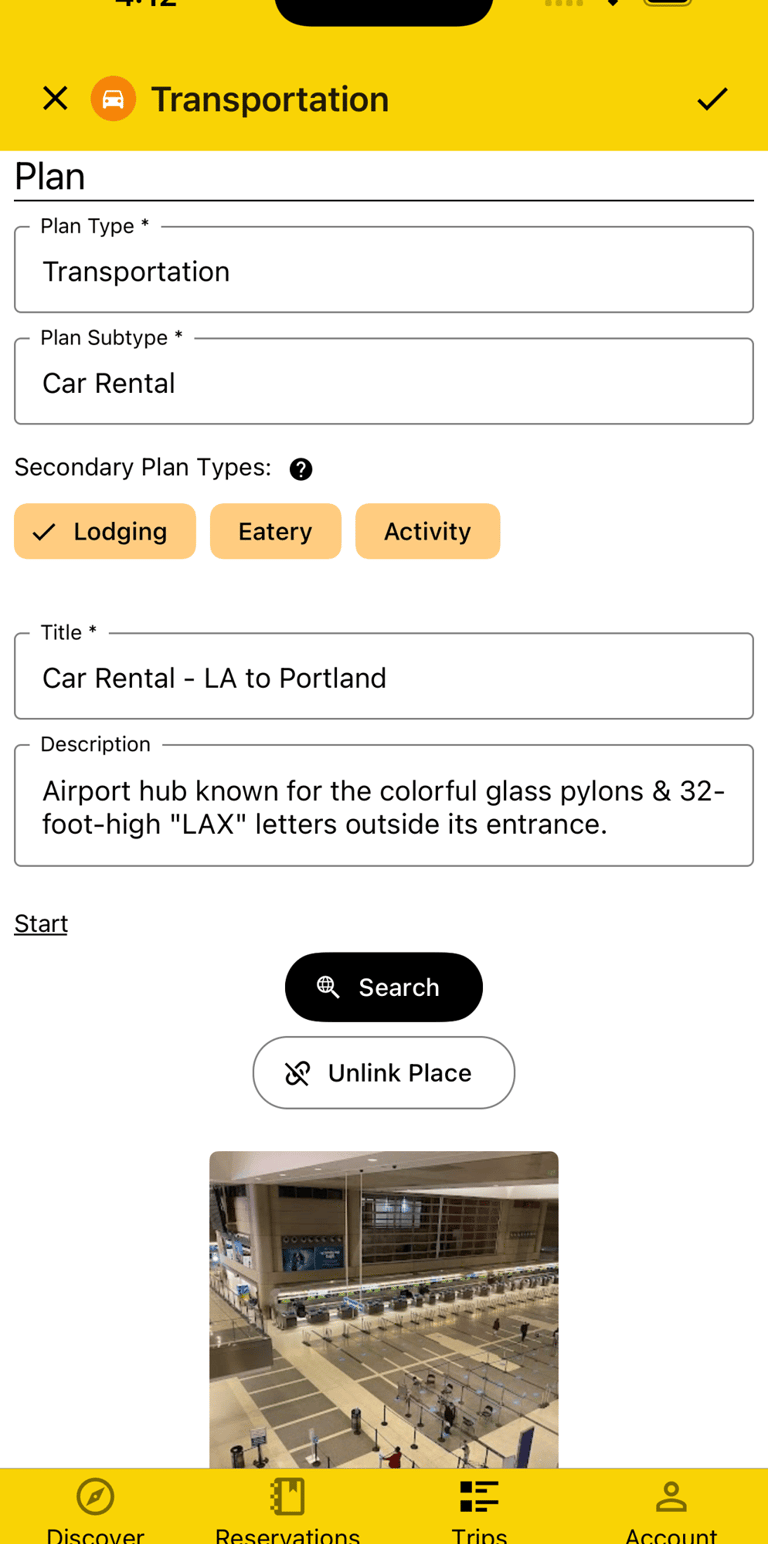
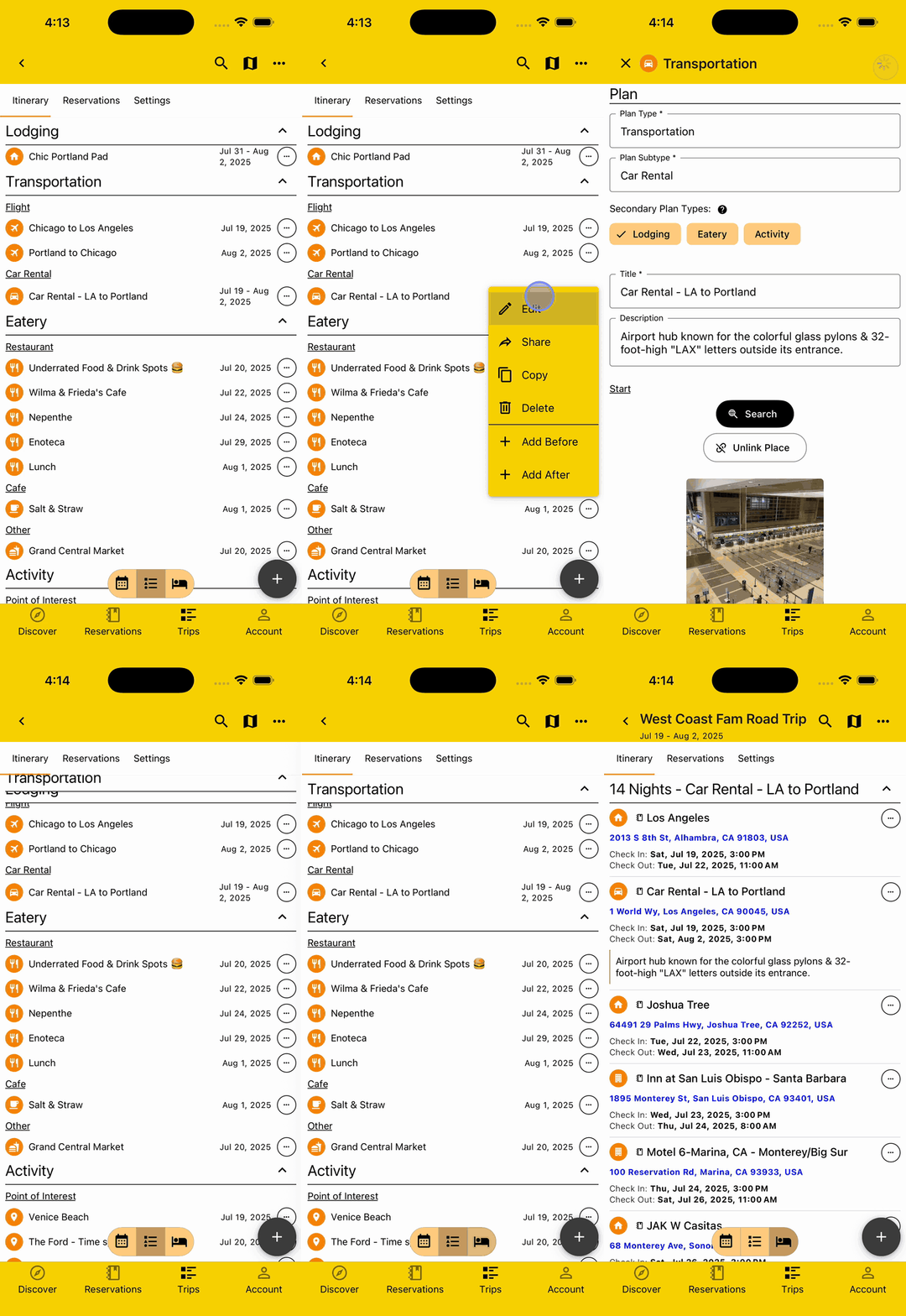
Secondary Plan Types
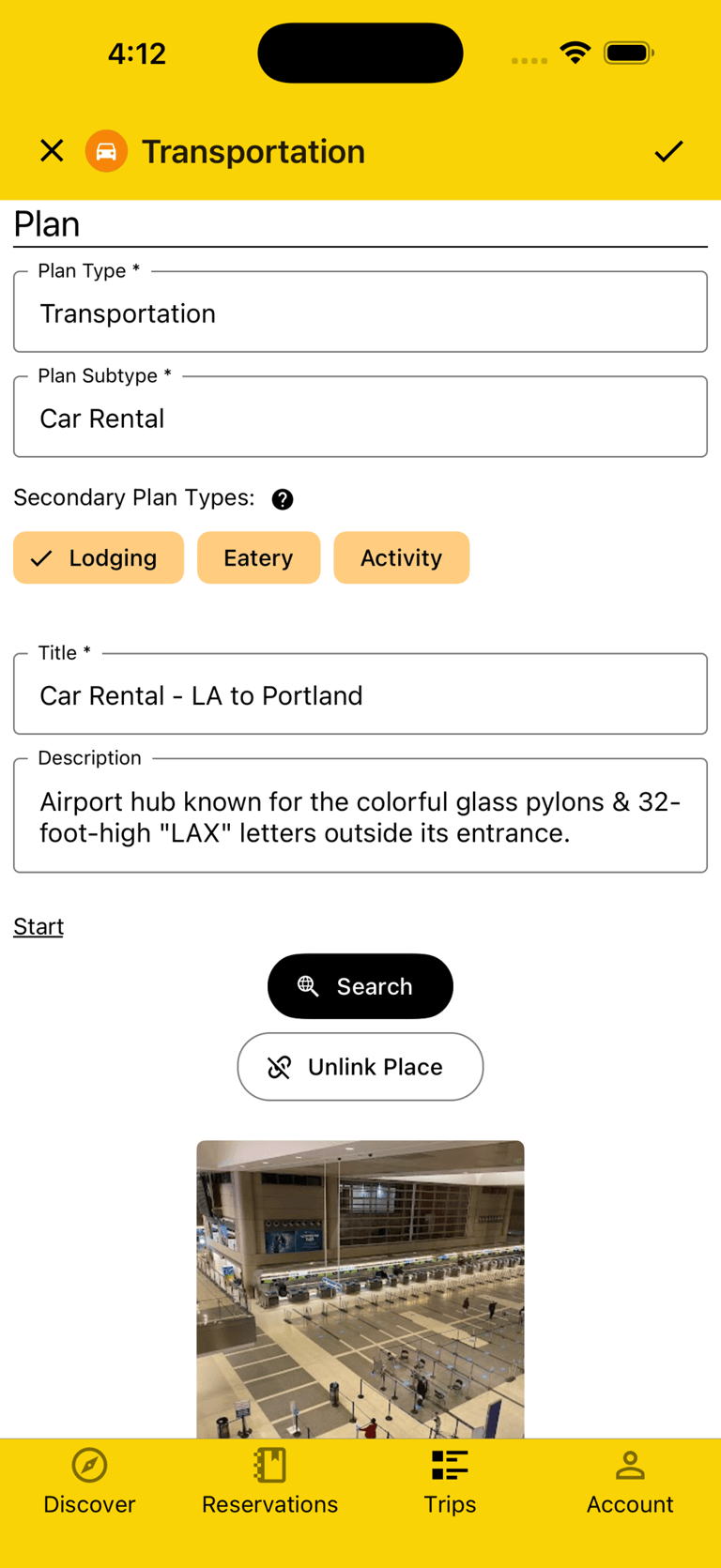
Sometimes Plans don't fit neatly into just a single type, like when a van that's getting you around is also where you're sleeping at night or a motel you booked also serves you breakfast. You can keep track of all this by adding one or more Secondary Plan Types to these Plans.
Plans with a "Lodging" Secondary Plan Type will show as such in the Lodging Itinerary view and Plans with an "Eatery" Secondary Plan Type will show a fork and knife icon next to them so you don't have to dive into the details if you don't want.
Access Offline
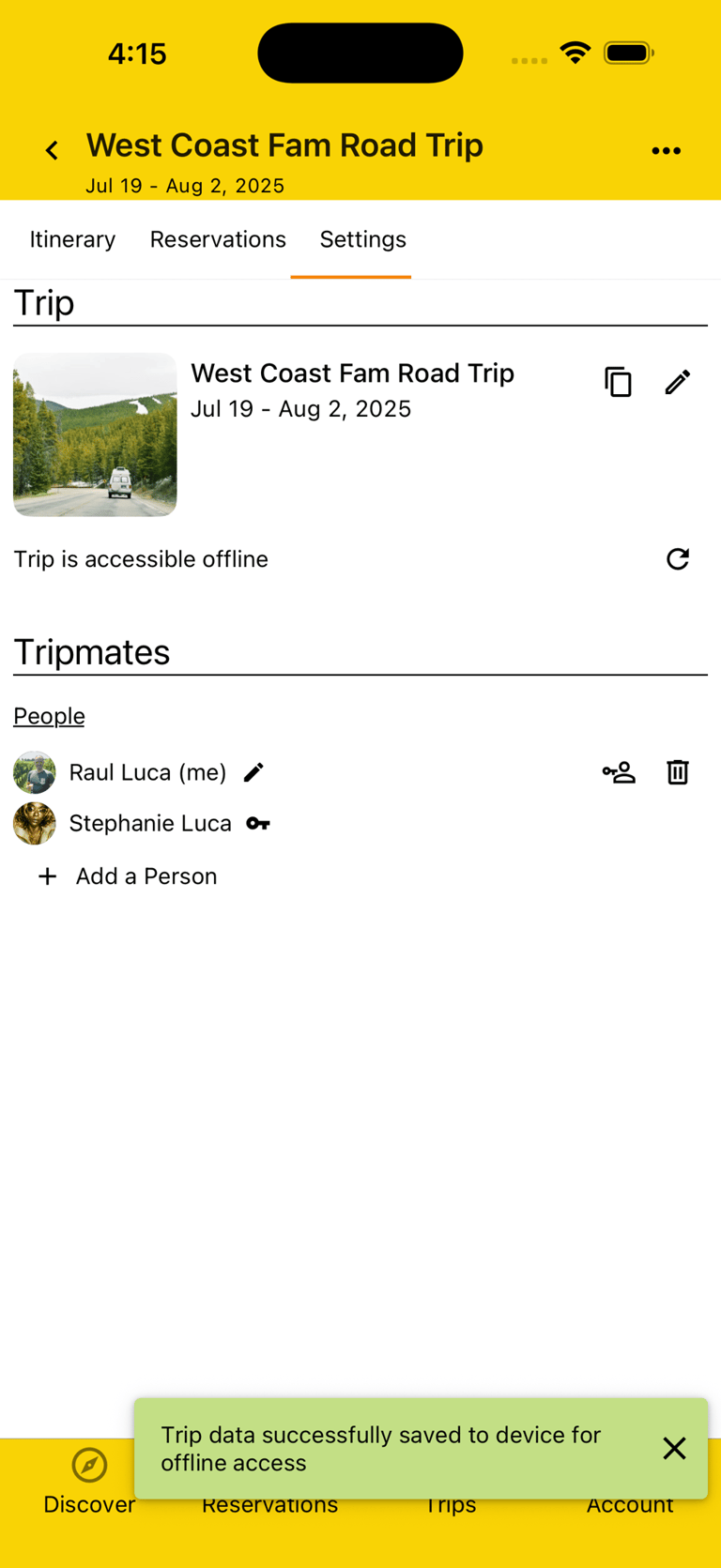
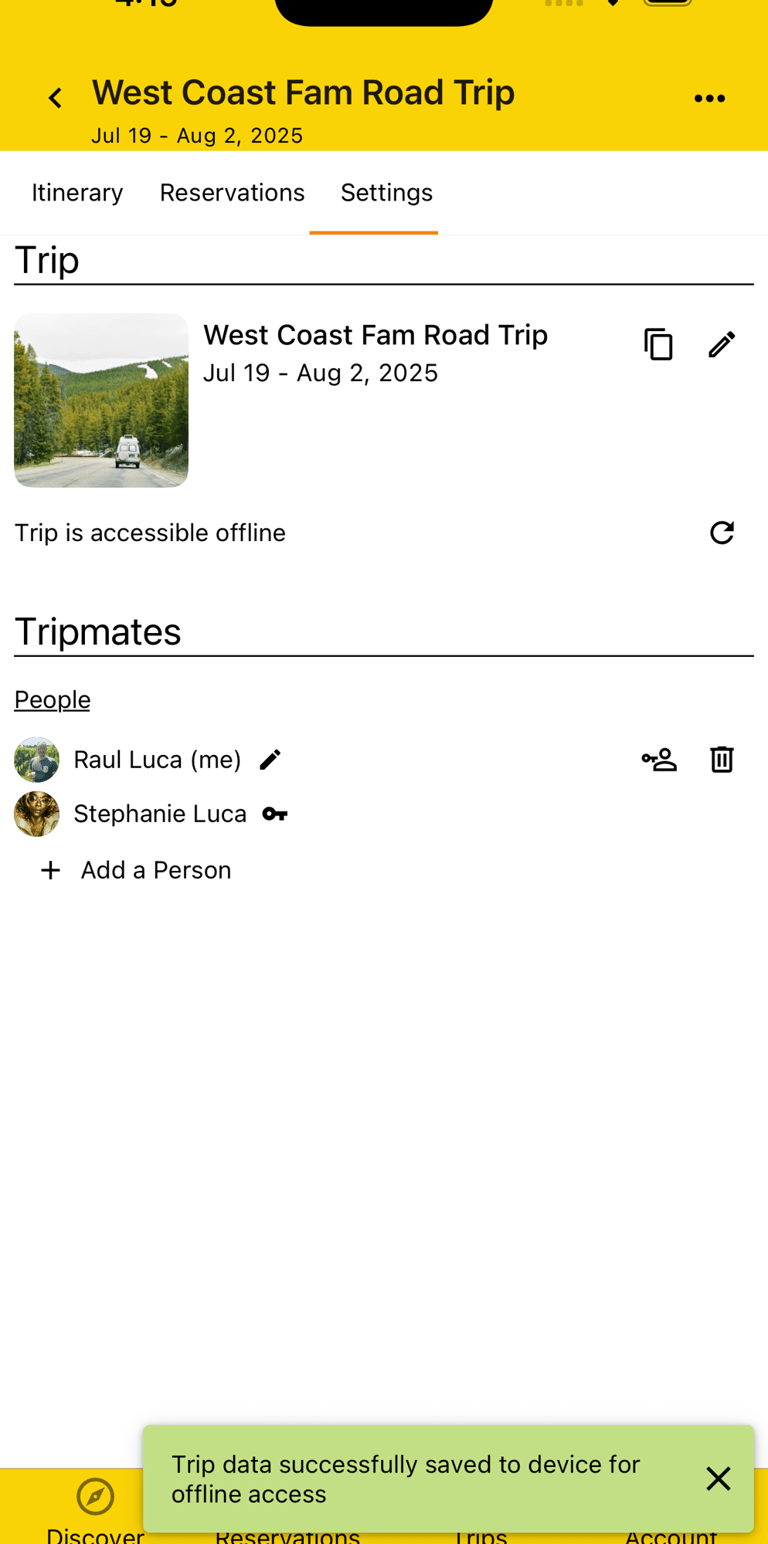
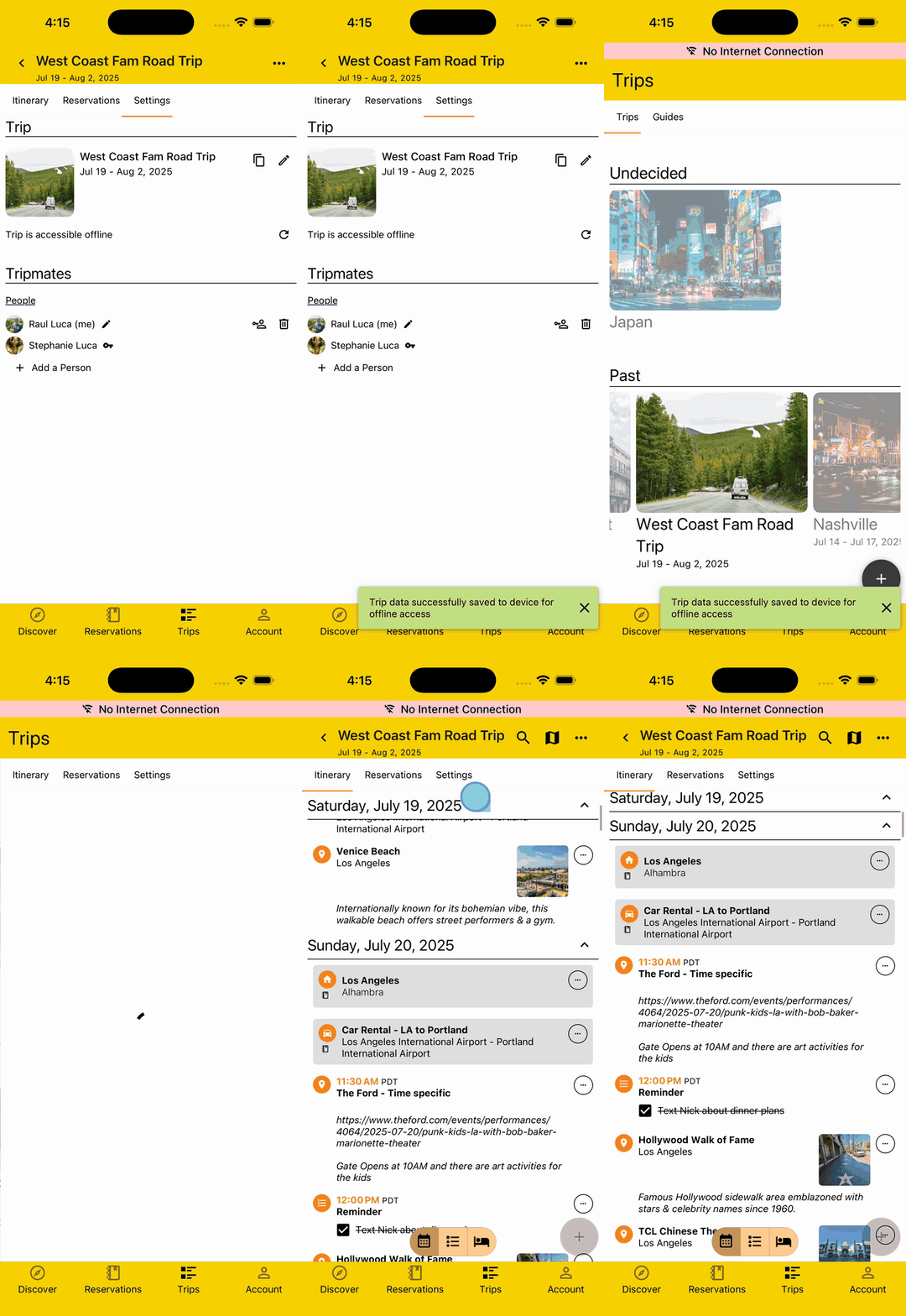
Who knows how far on or off the beaten track your journey will lead you, or how much or little cellular or data access you'll have. Forget the worry and focus on the adventure by saving your Trip for offline access before you head out.
Your Ultimate Travel Companion
Connect
© 2026. All rights reserved.


Say Hi!
Get the App