
Reserve with our Partners
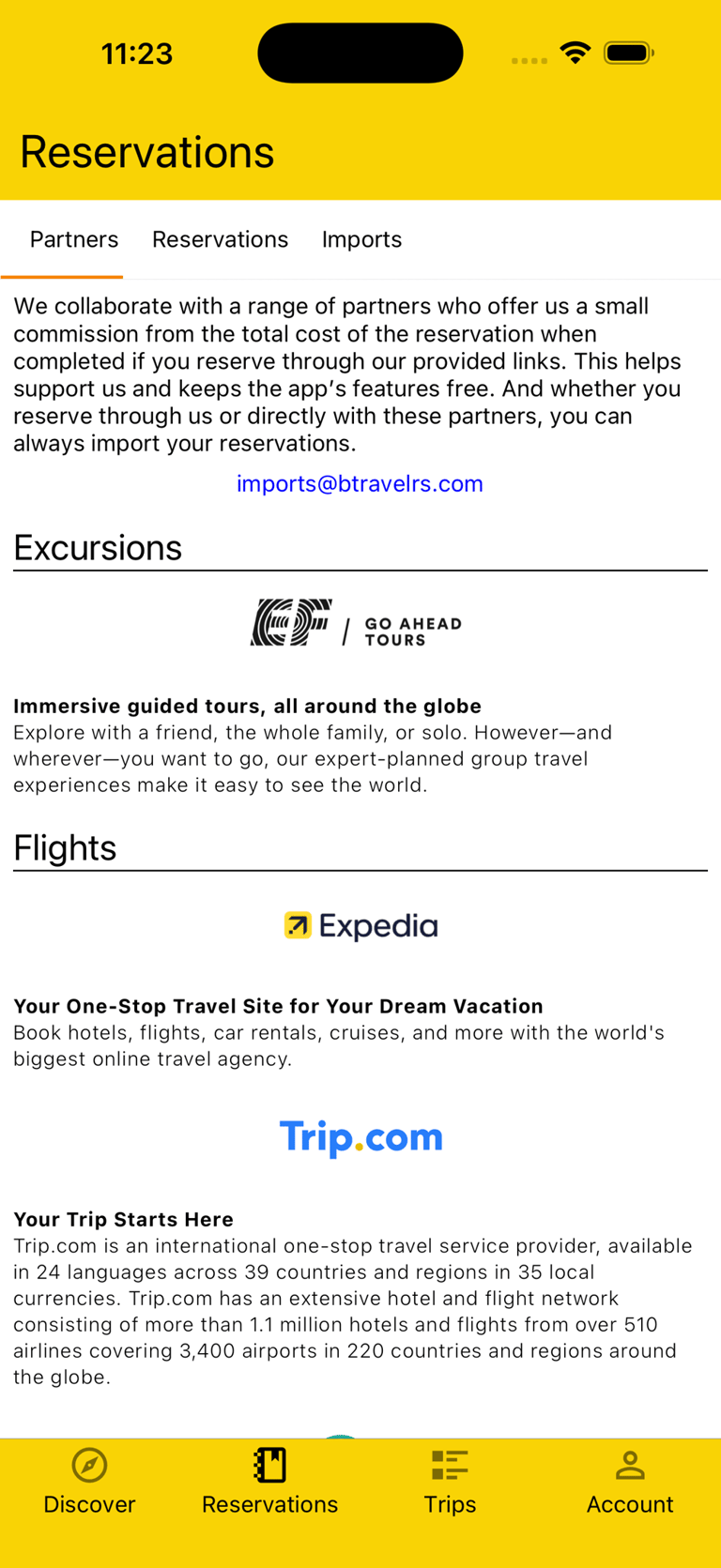
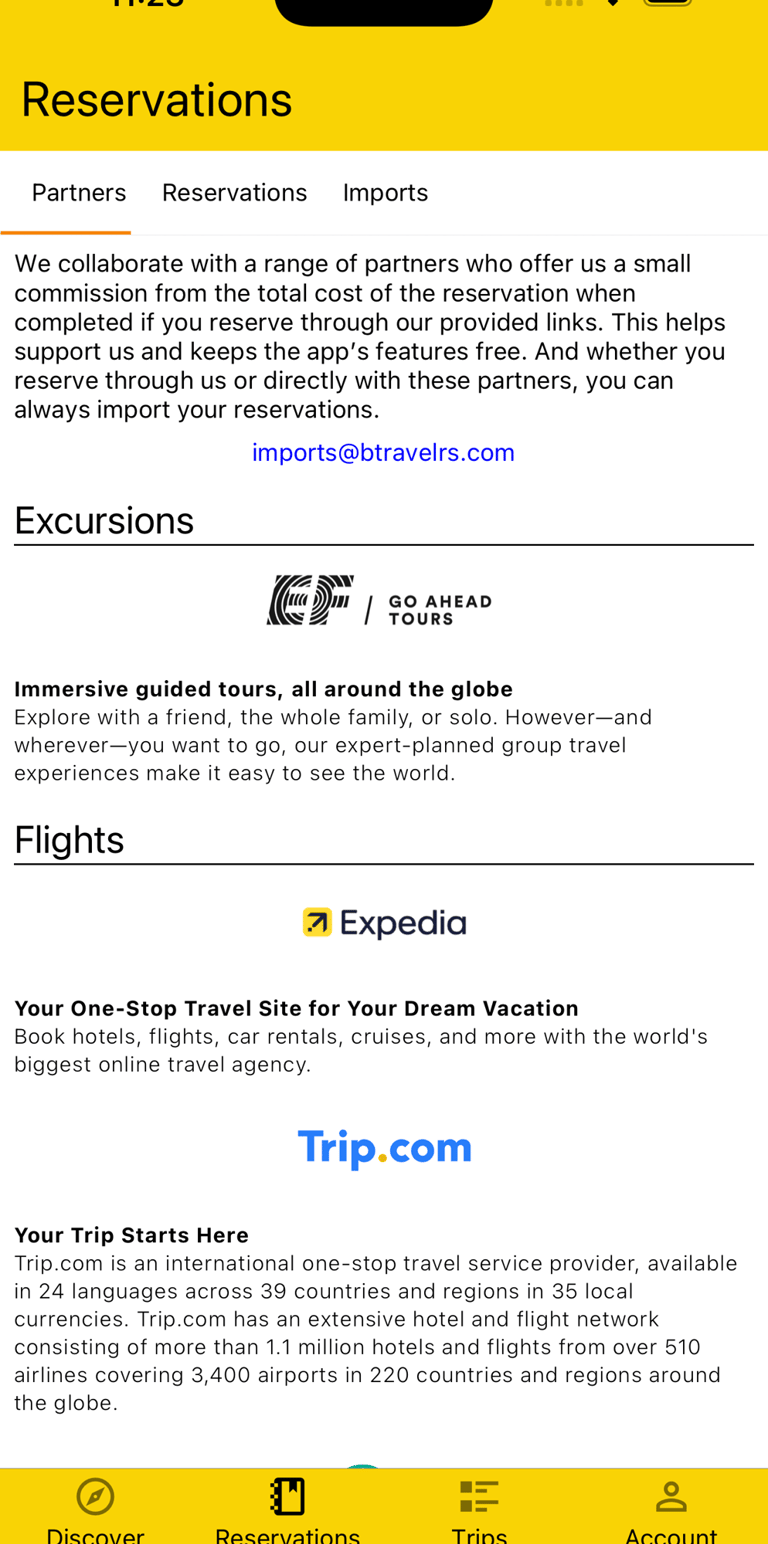
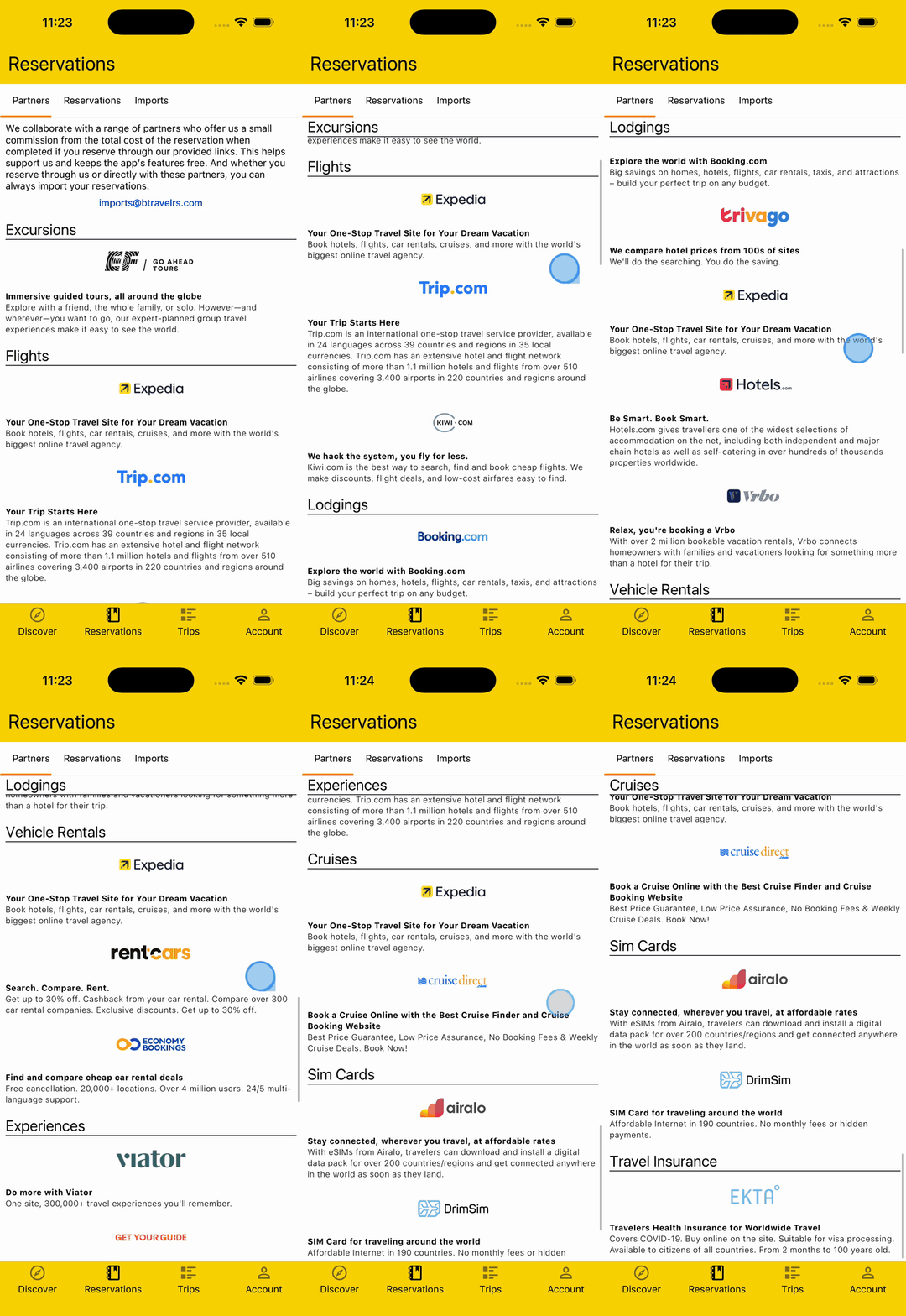
We collaborate with a range of affiliate Partners who offer us a small commission from the total cost of the Reservation when completed if you Reserve through our provided links. This helps support us and keeps the app’s features free.
And whether you Reserve through us or directly with these Partners or others, you can always Import your Reservations.
Import Reservation
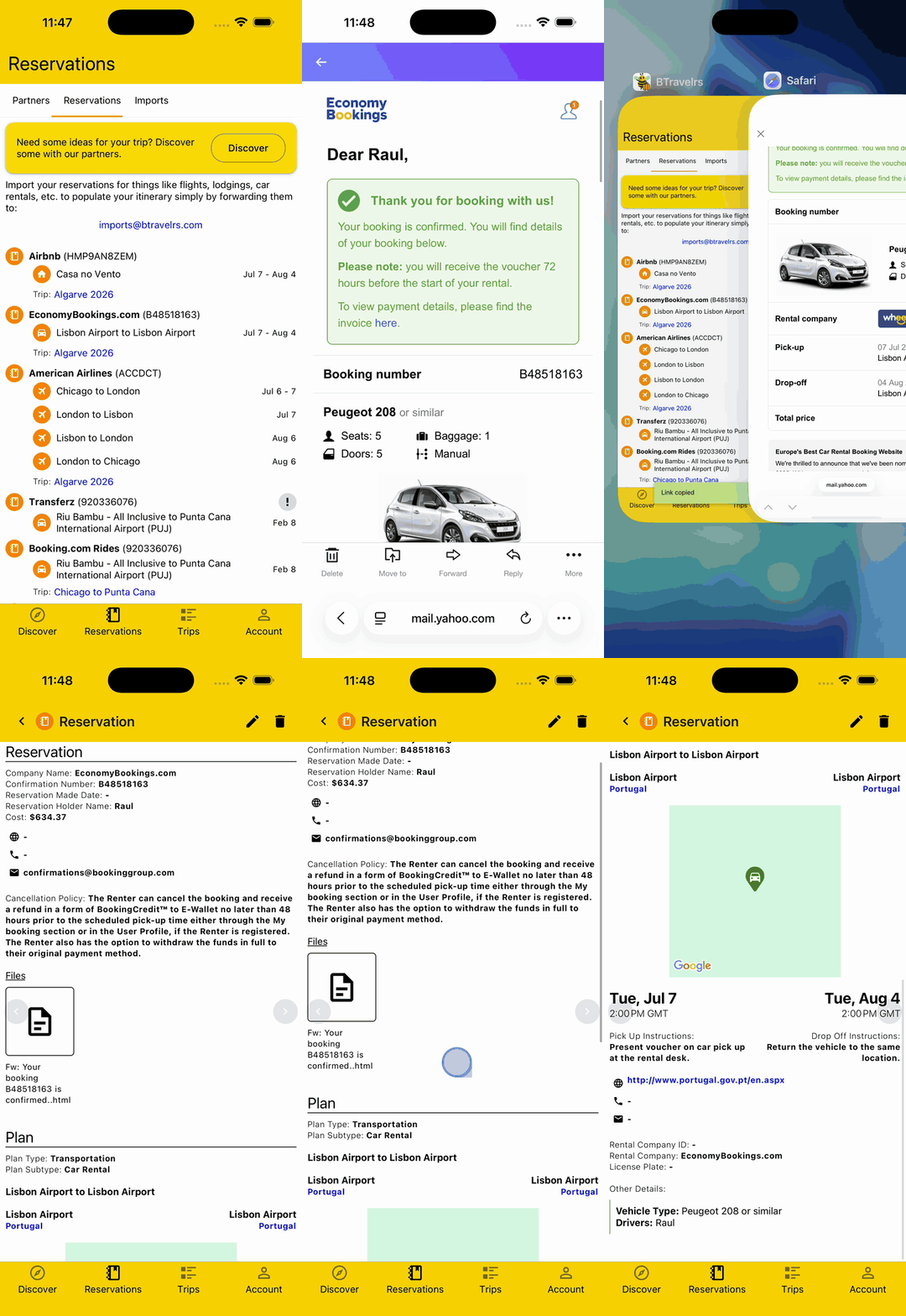
To save you the hassle of needing to manually enter your Reservation data into the app, you can simply forward your Reservation email to imports@btravelrs.com and our system will match it to your account, parse the email and any PDF attachments, and Import the Reservation with the original information as a document attachment, adding it to an existing Trip by matching dates or automatically adding it to a new Trip.
Our system can handle almost any type of Reservation, including Lodging, Transportation (flights, car rentals, trains, etc), Restaurants, Tours, and more.
View All Reservations
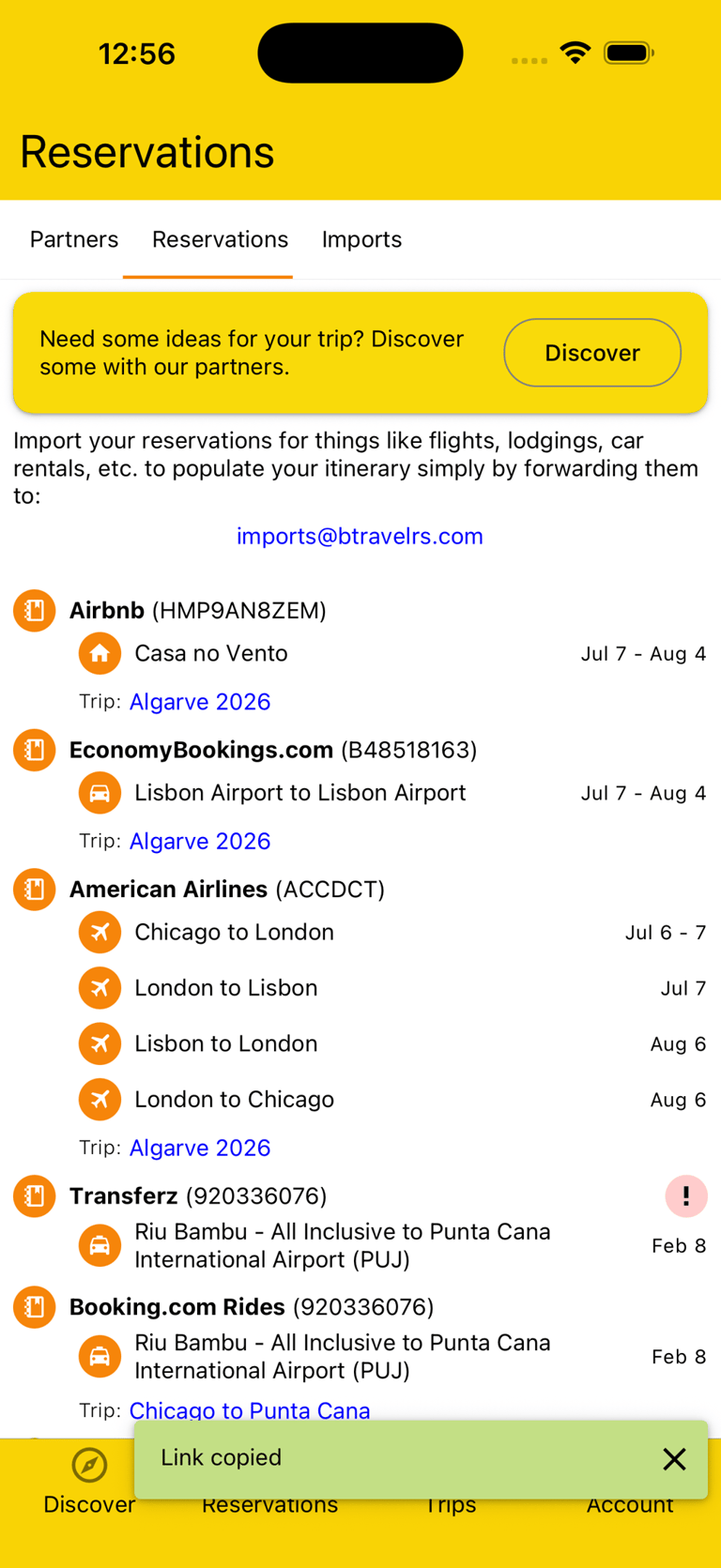
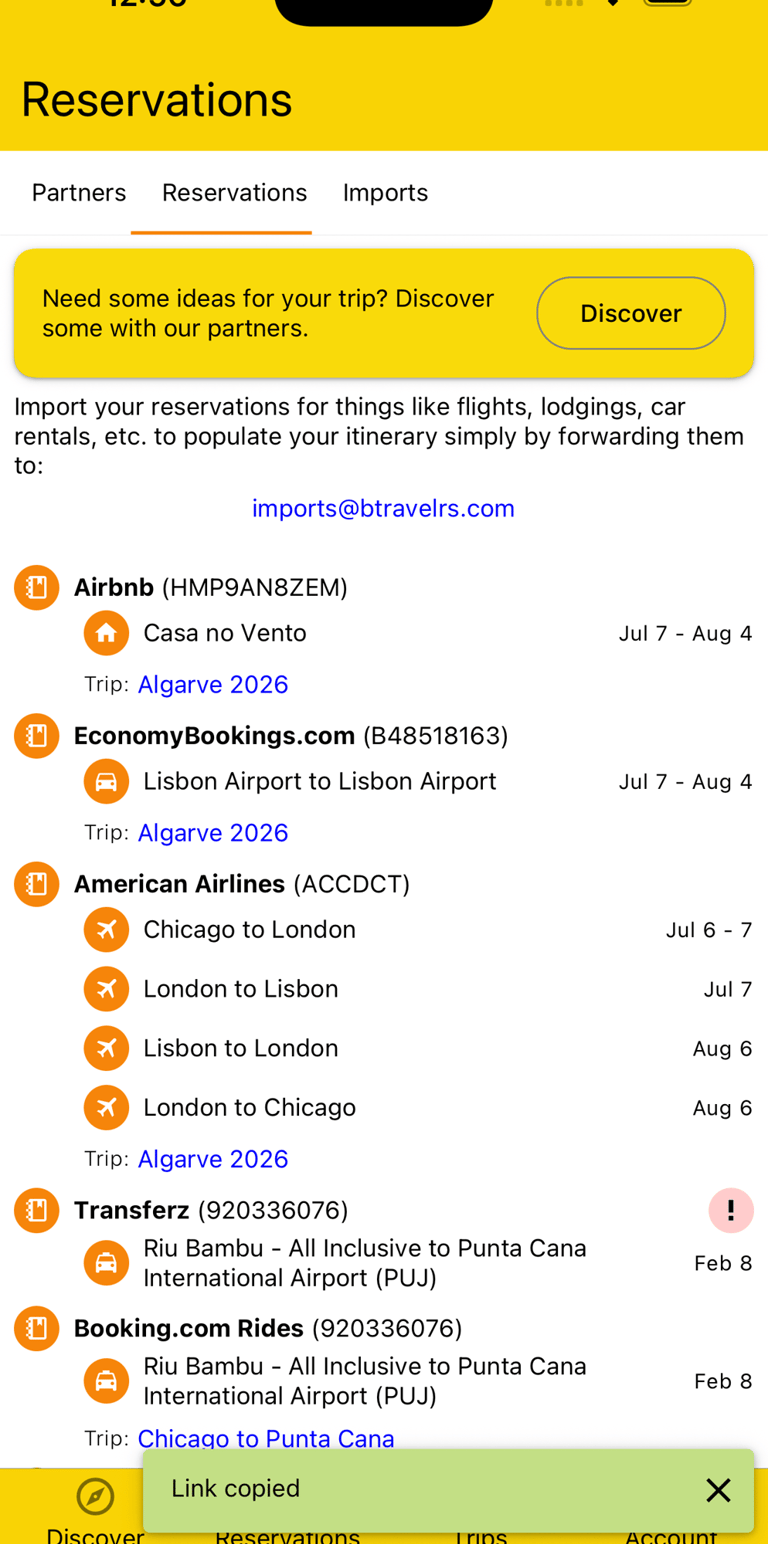
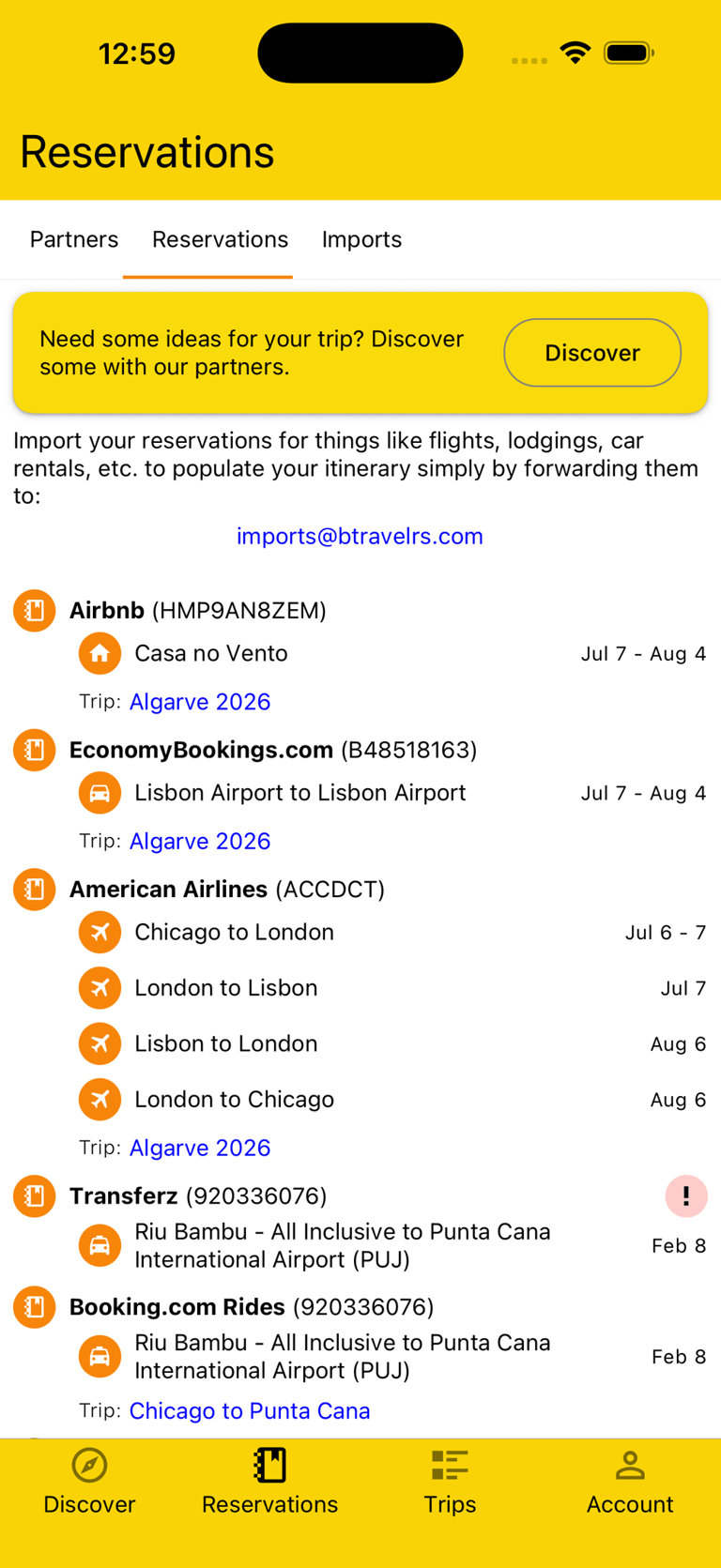
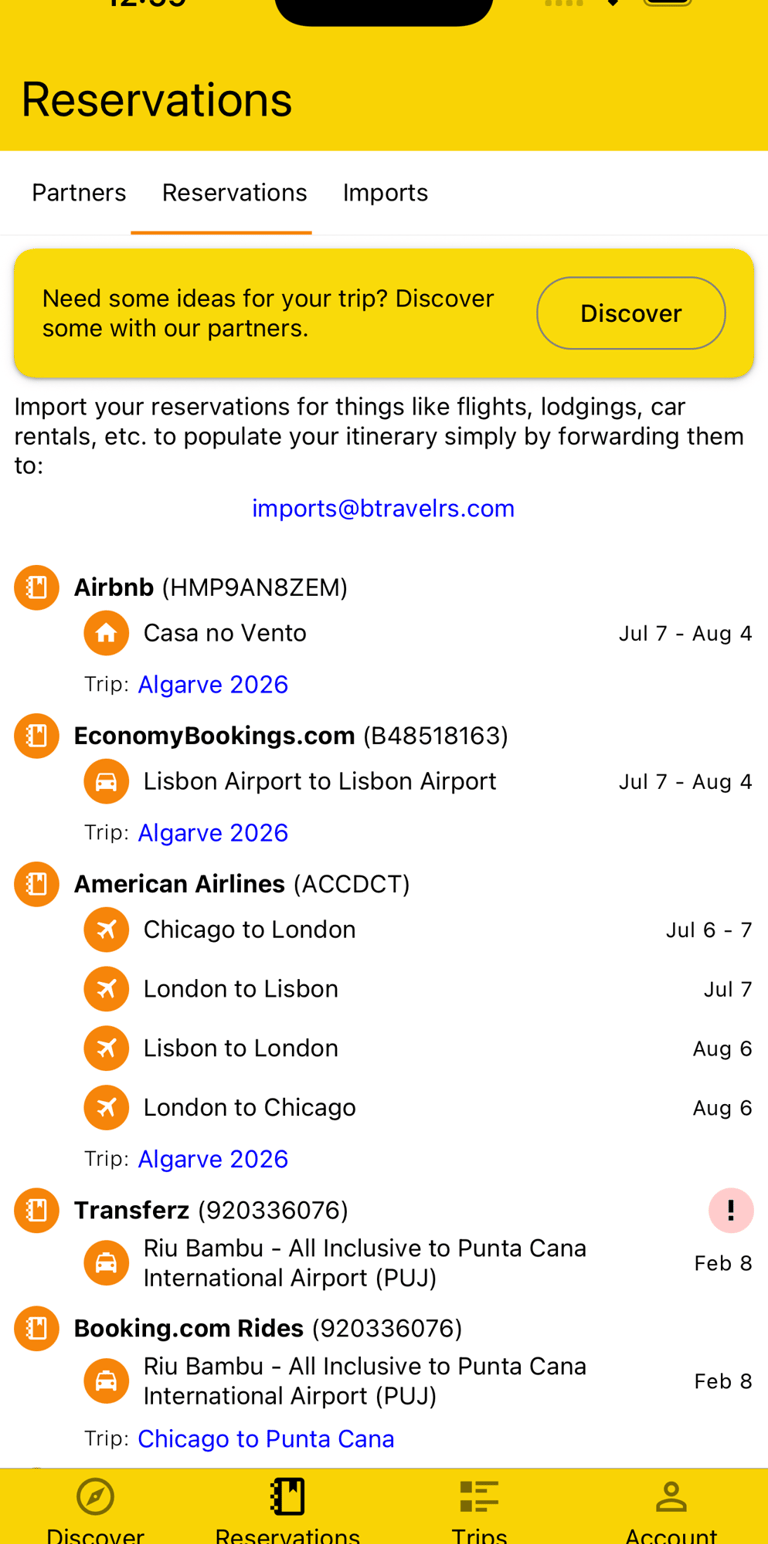
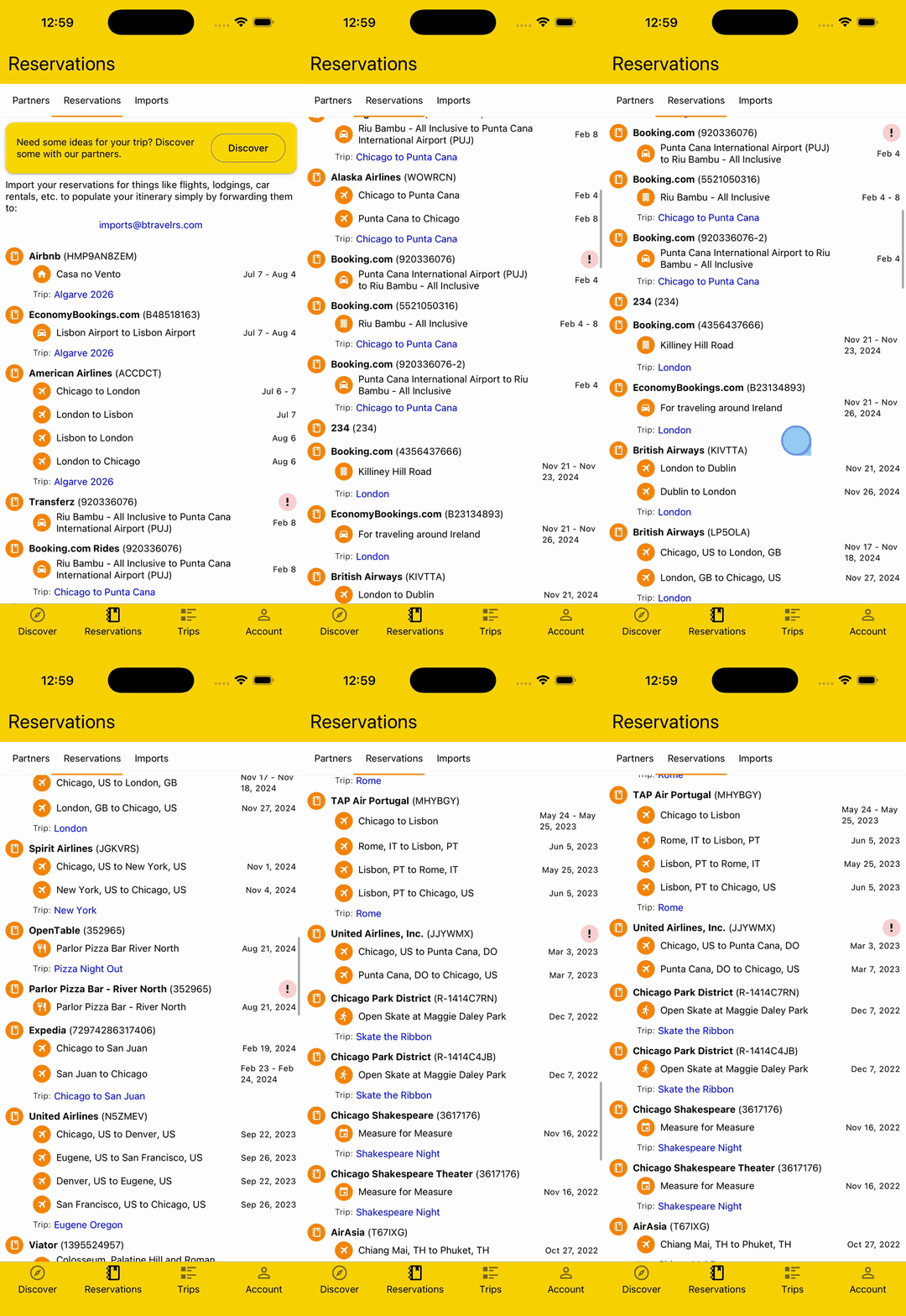
You can view all your Reservations in one place, sorted by the date the Reservation was made, showing you the various Plans and dates of the Reservation and providing a link to the related Trip.
If a Reservation could not be matched to a Trip, you'll see an error icon and be able to edit the Reservation to get it properly matched.
Troubleshoot Imports
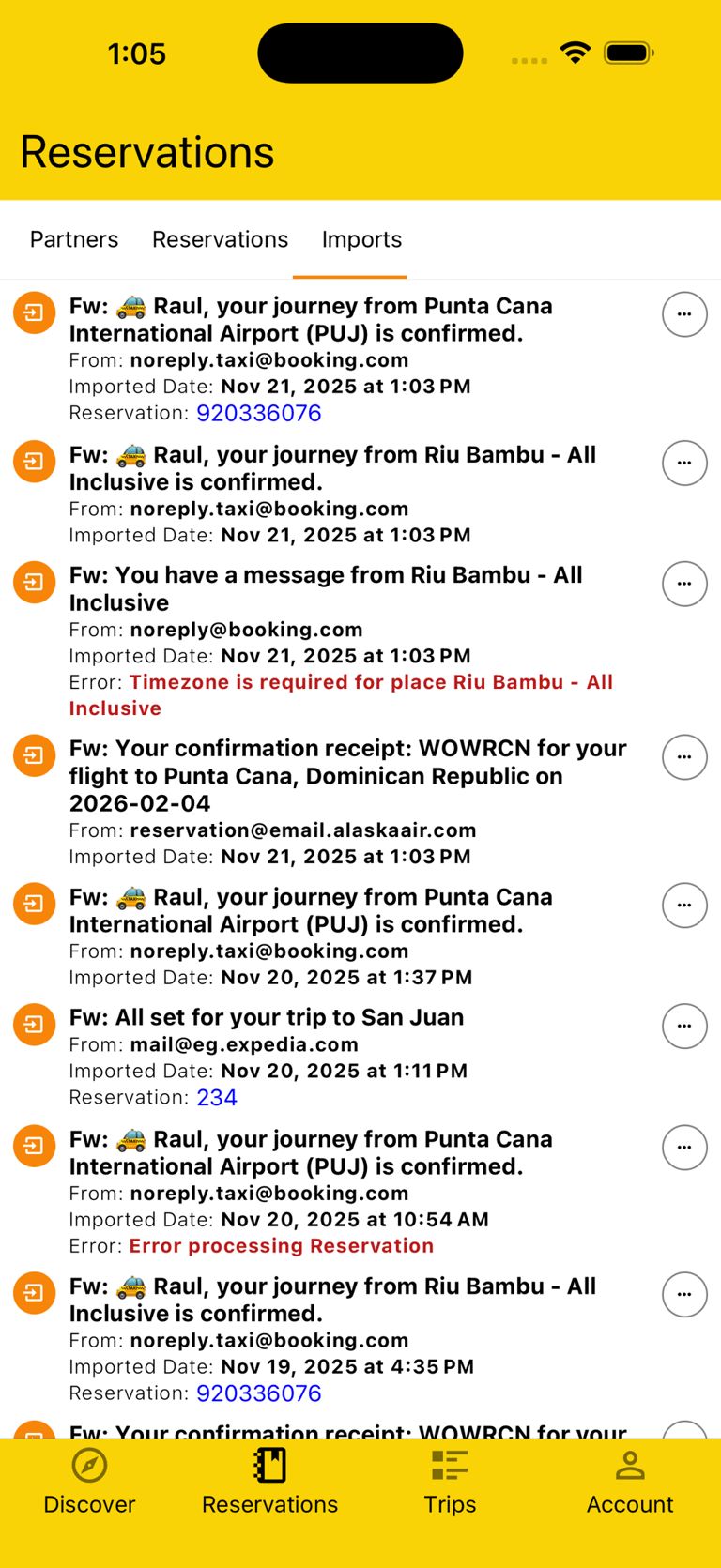
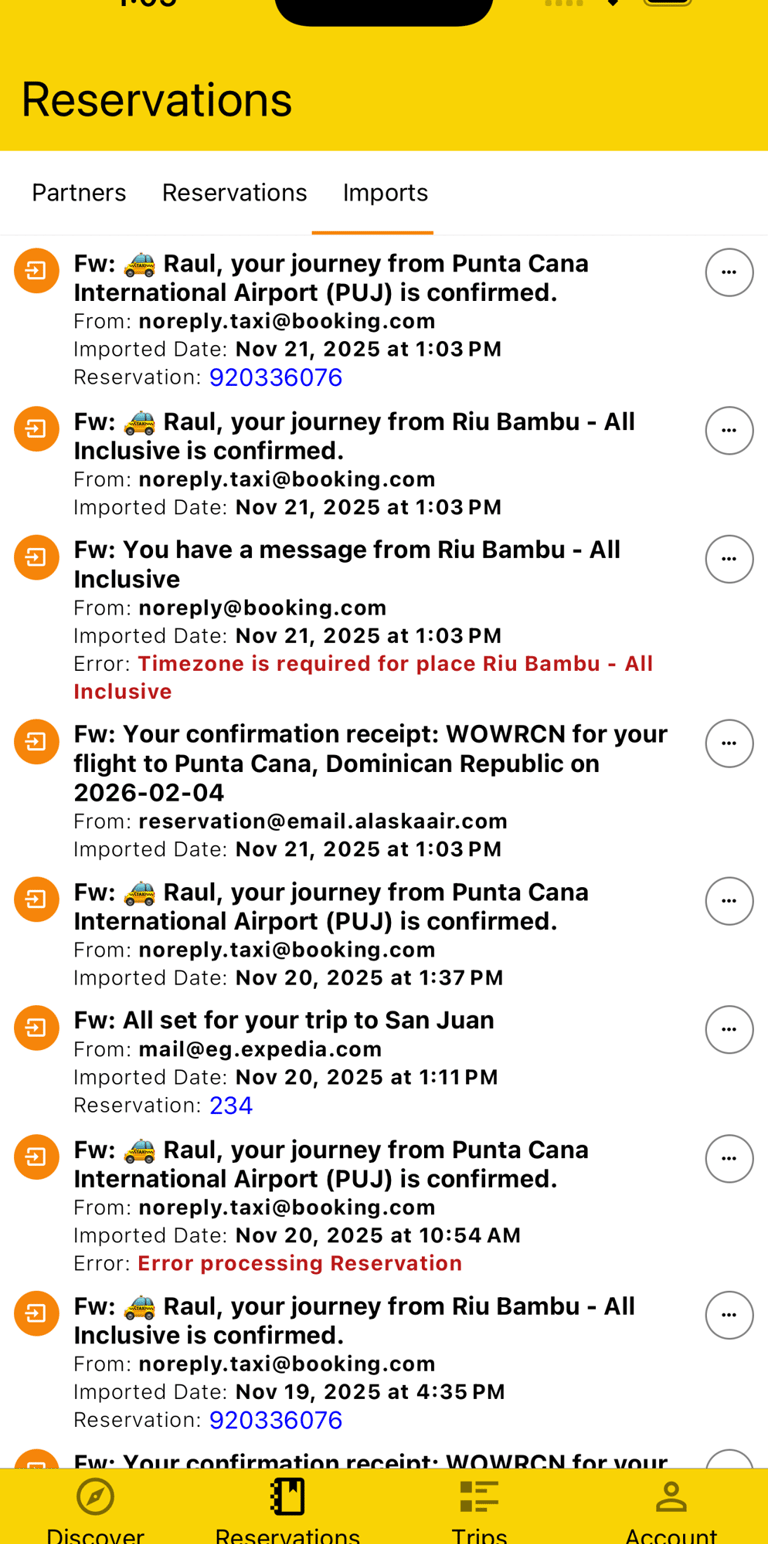
To know what's pending and if there are any issues, you can view all Imports matched to your account. You'll see info like the name of the email, who it originated from, and the date the system attempted to import it. If successful, you'll see a link to the Reservation; if not, you'll see an error message.
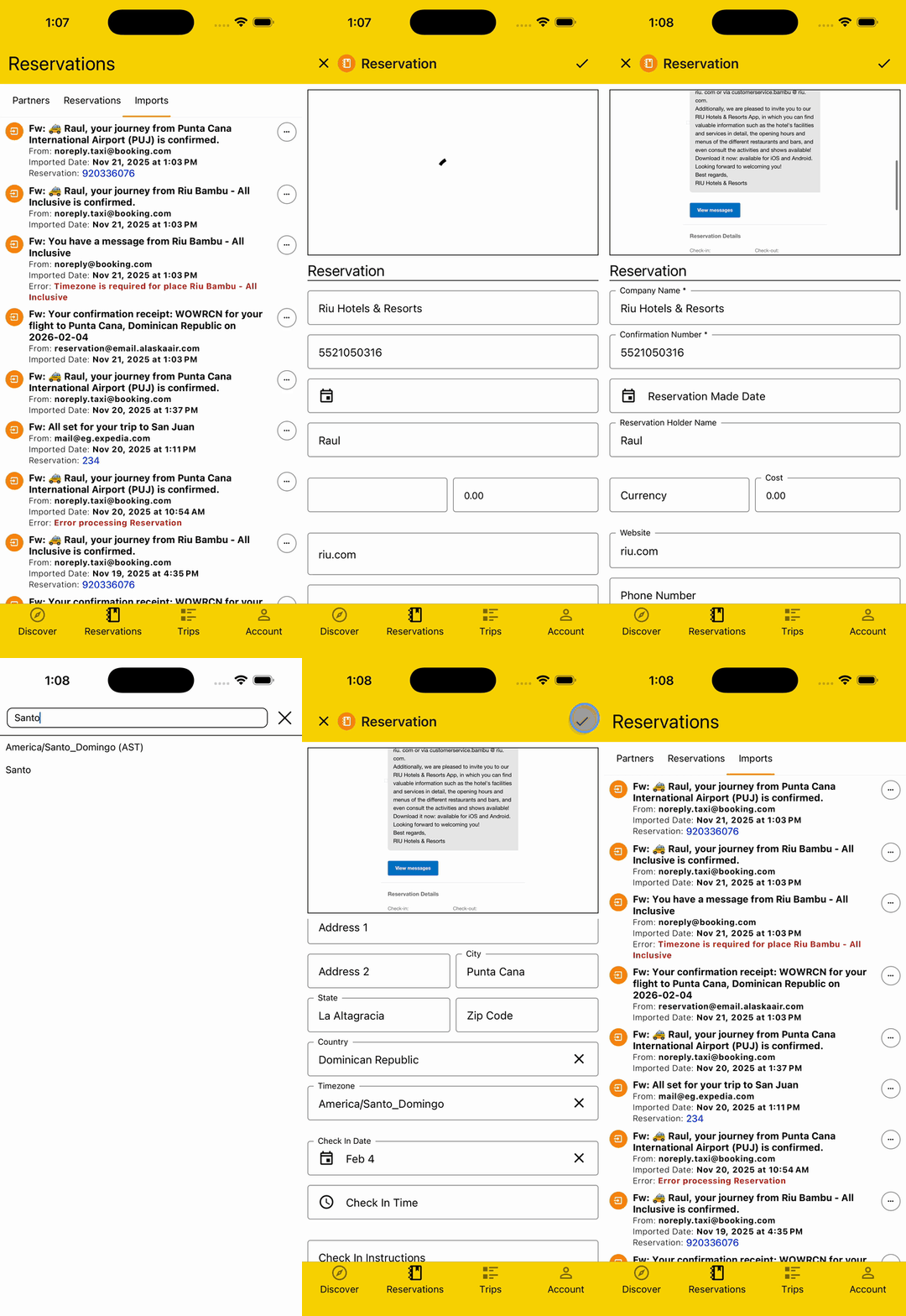
If an error occurred, you can try resending the email or manually correcting the error, with the Reservation email displayed so you can see everything in one place as you're entering the data.
Your Ultimate Travel Companion
Connect
© 2026. All rights reserved.


Say Hi!
Get the App