
Families
Plan a Trip with the family and keep track of what everyone is doing
Aggregate Reservations
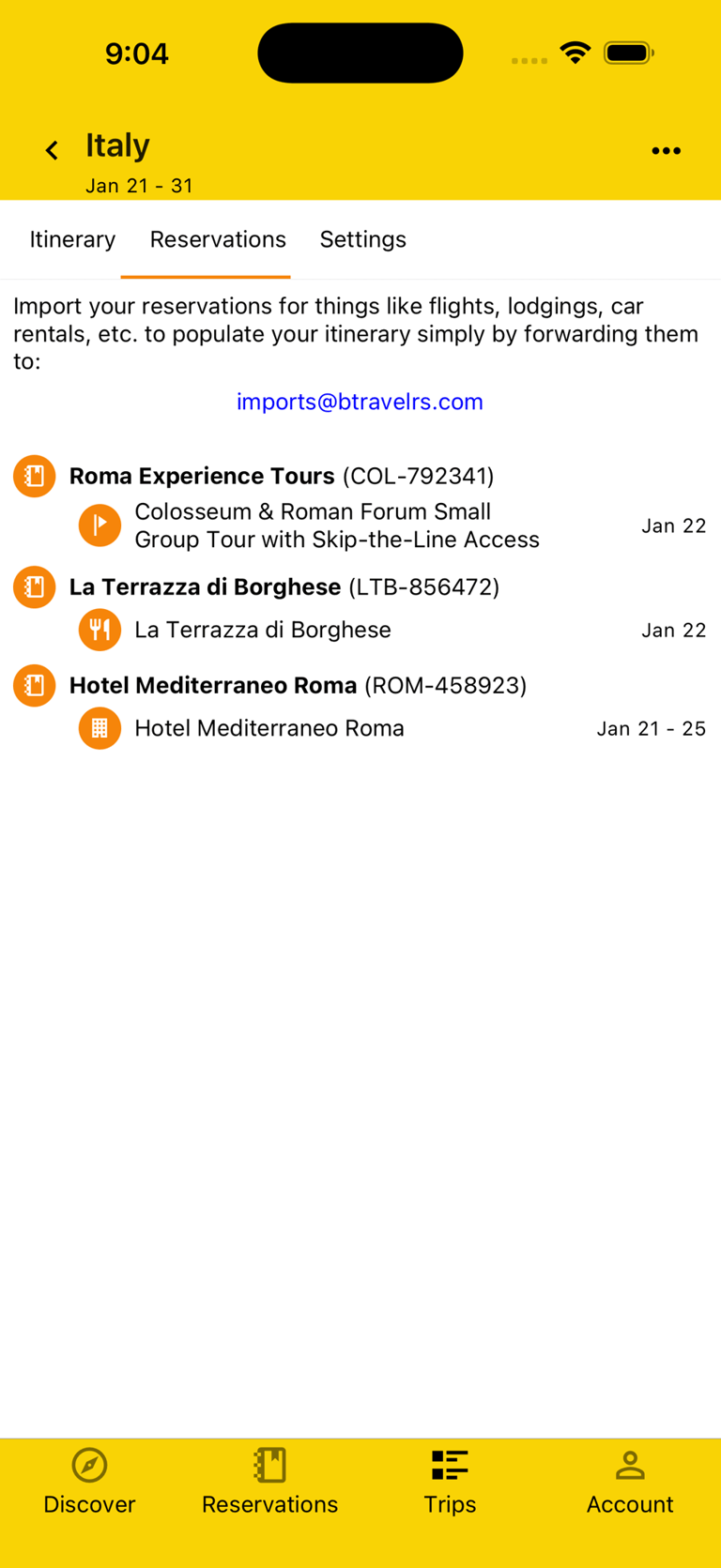
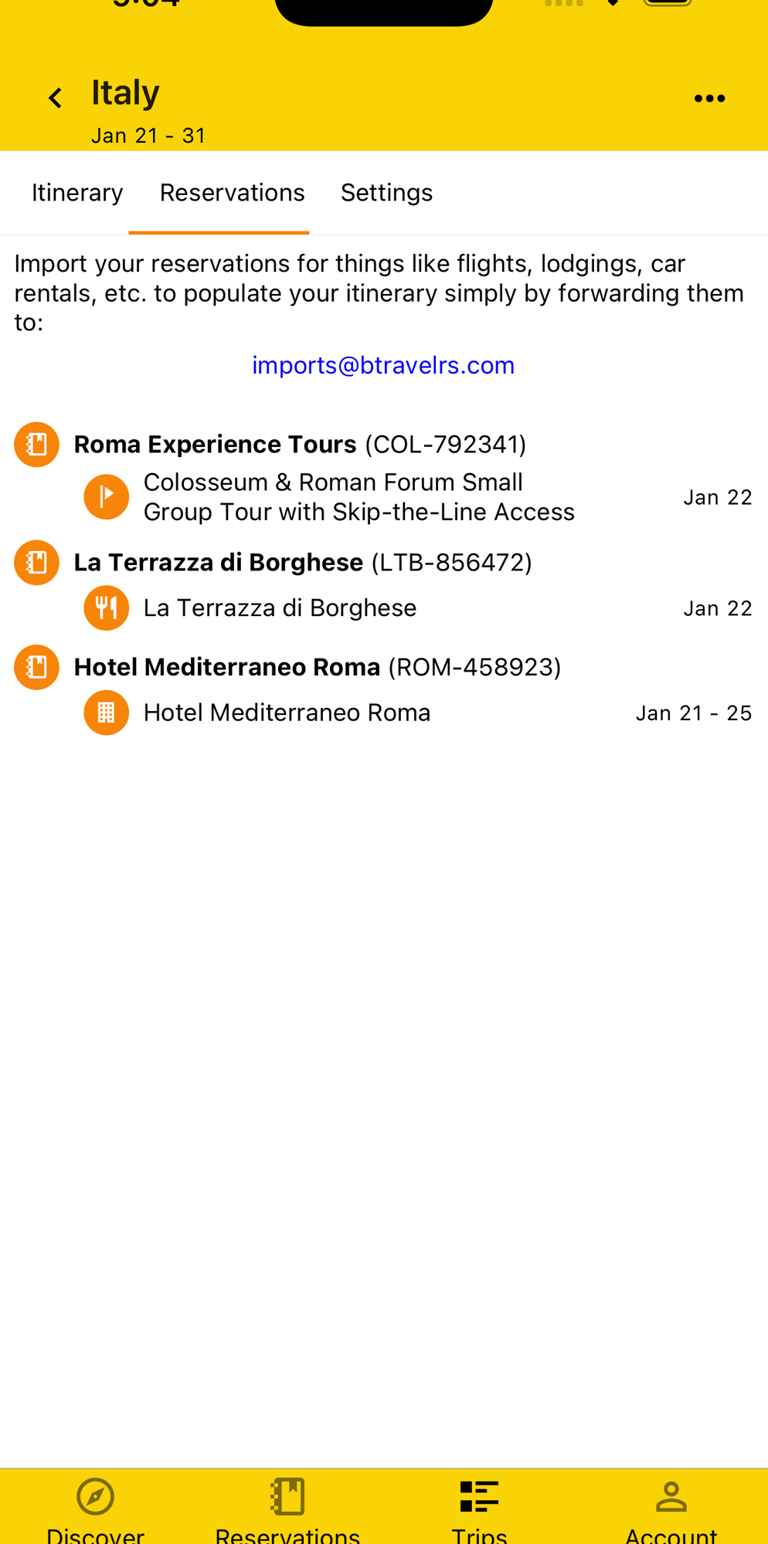
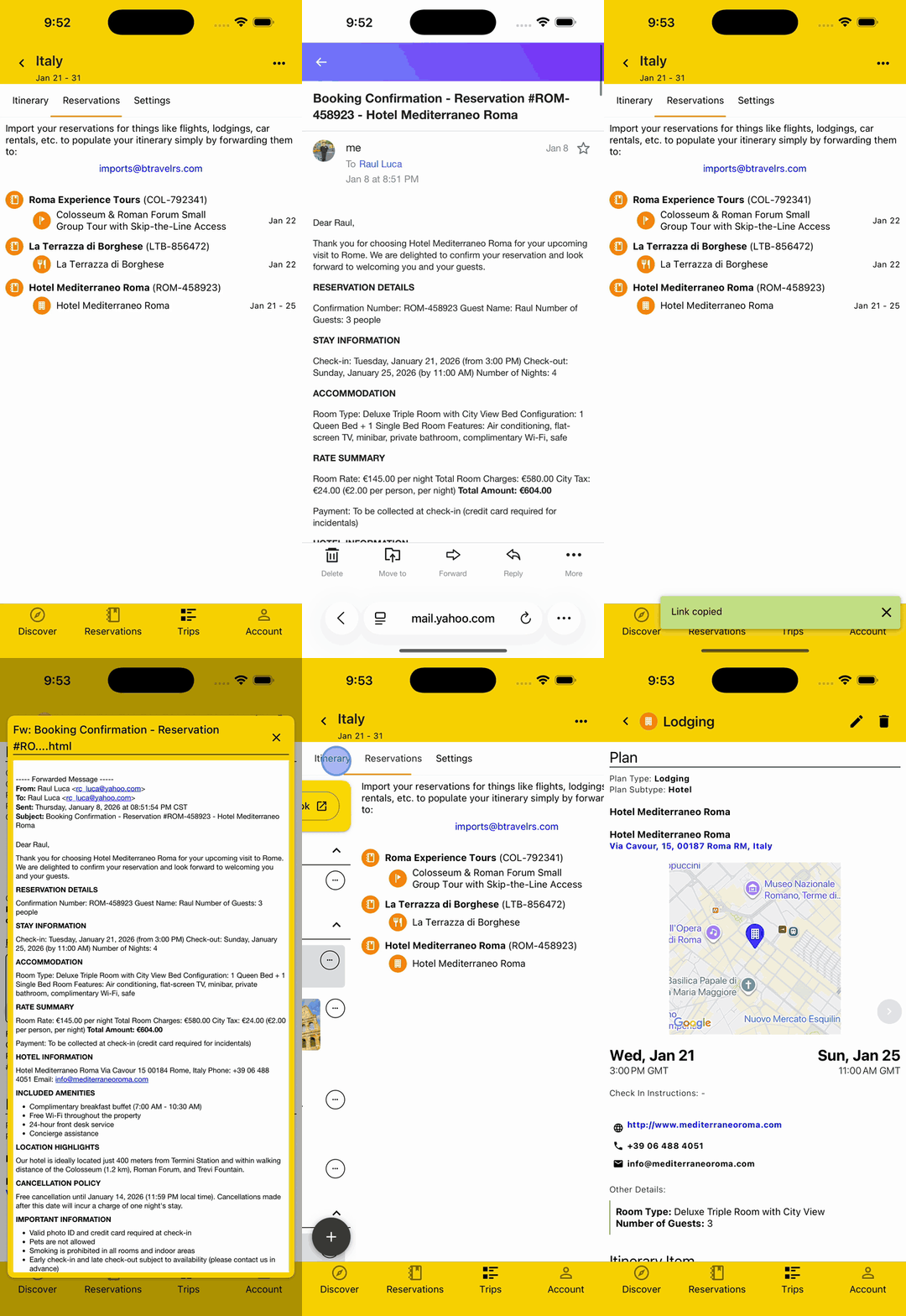
You don't have time to be fumbling through your email to find the hotel Reservation you made when you're at the check-in counter, your kids are having a meltdown from the long travel, and there's a line of impatient people waiting for you. We know, we've been there.
That's why you can easily aggregate all your Reservations in one place by simply forwarding them to imports@btravelrs.com when you're in the comfort of your home and then quickly pull them up when you're in the midst of the chaos. Phew!
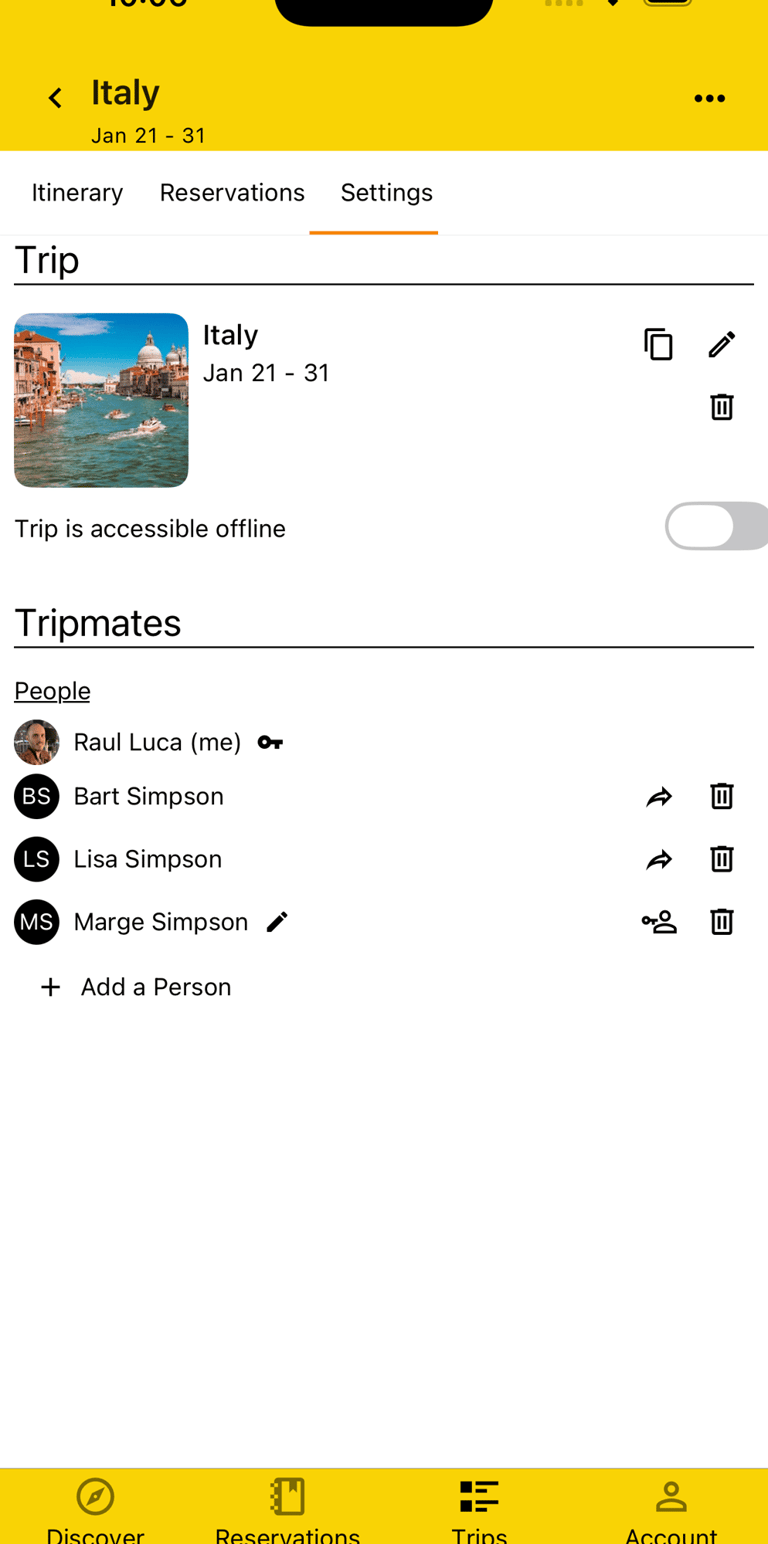
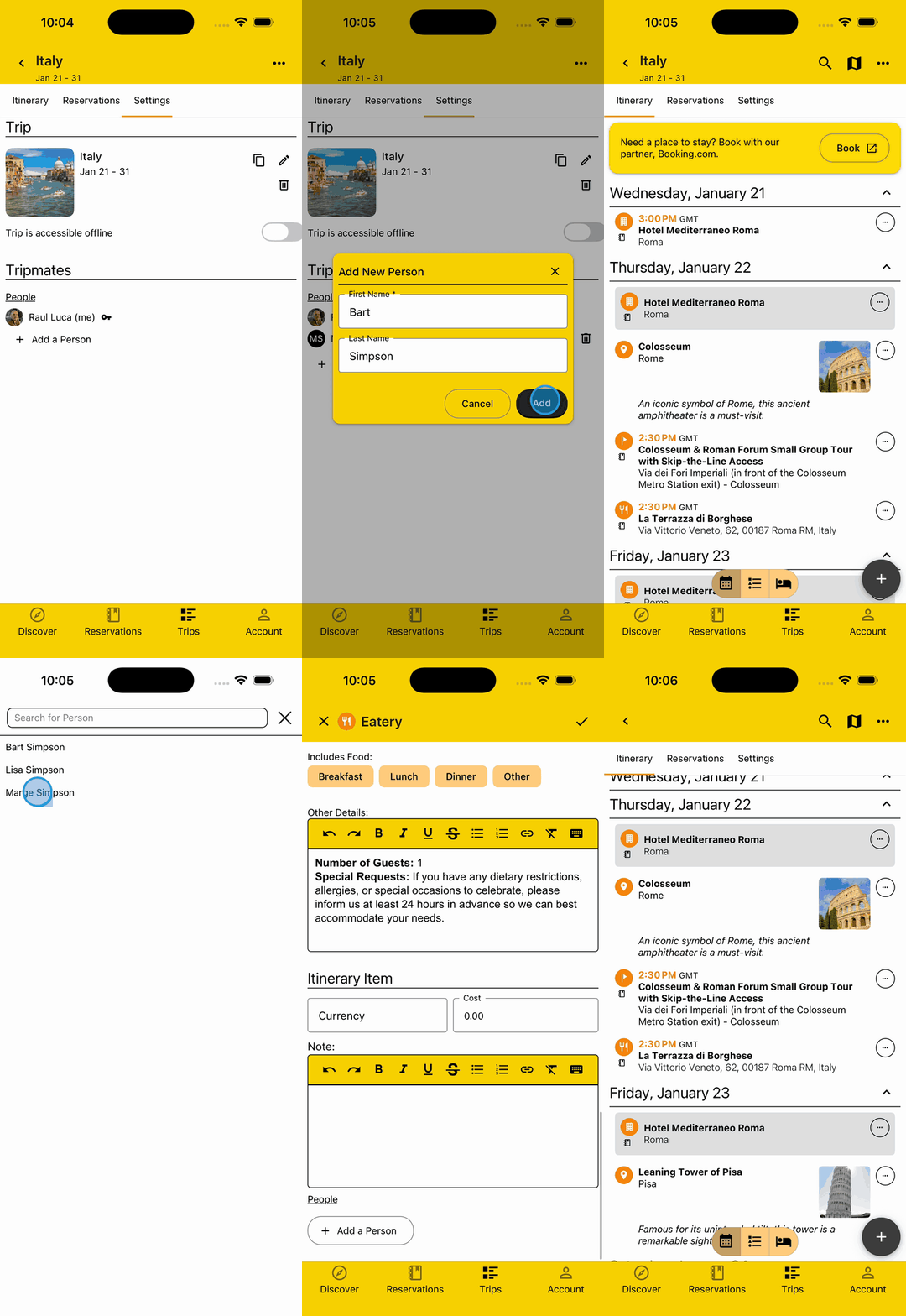
Add Kids without Accounts
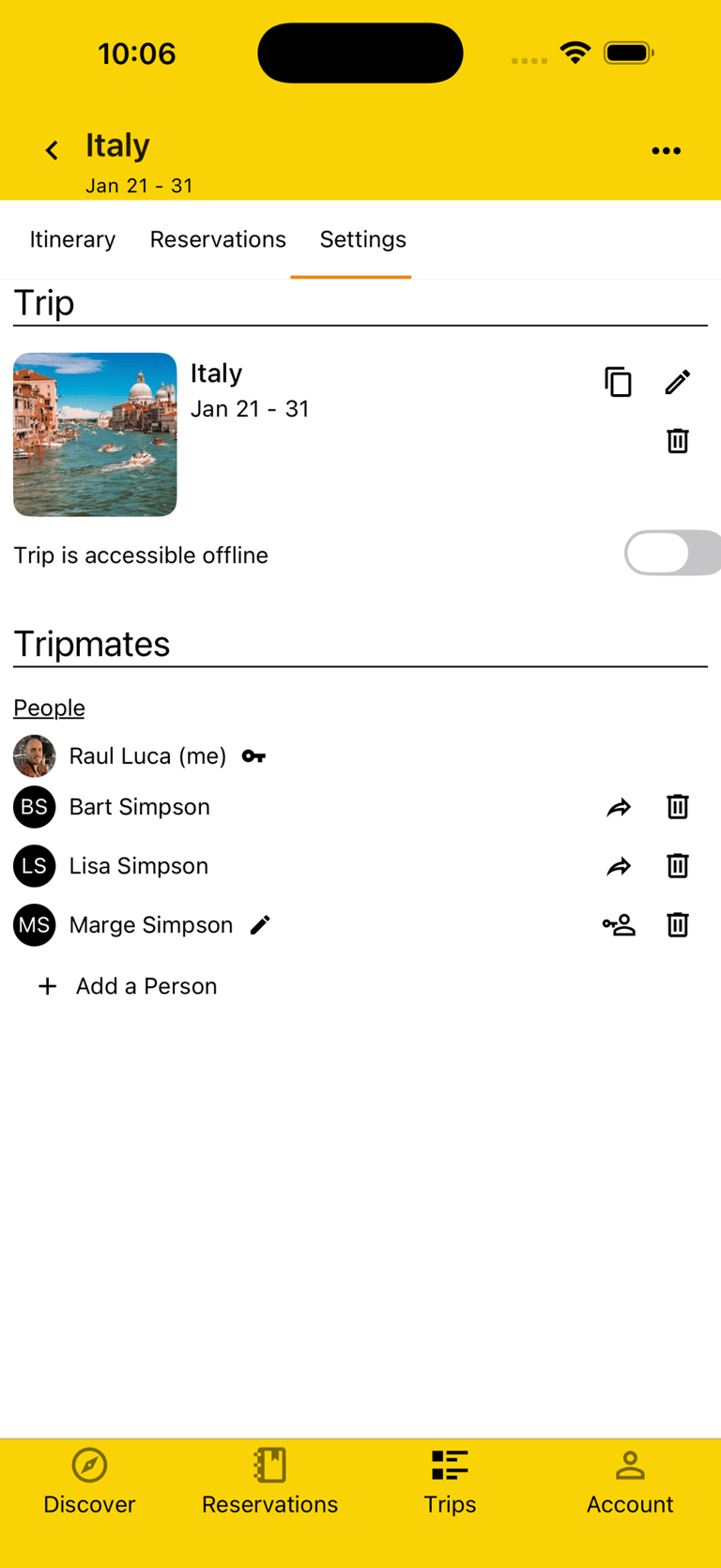
Your kids may not yet be old enough for a cell phone or they may have their head buried in their social media feed. No worries, you can still Plan your Trip with them.
Simply add them to your Trip and just don't share the account invite link with them. You can then create your Itinerary with both shared and separate Plans, cause we parents need a break sometimes, tagging each Plan with just the people for whom it's relevant.
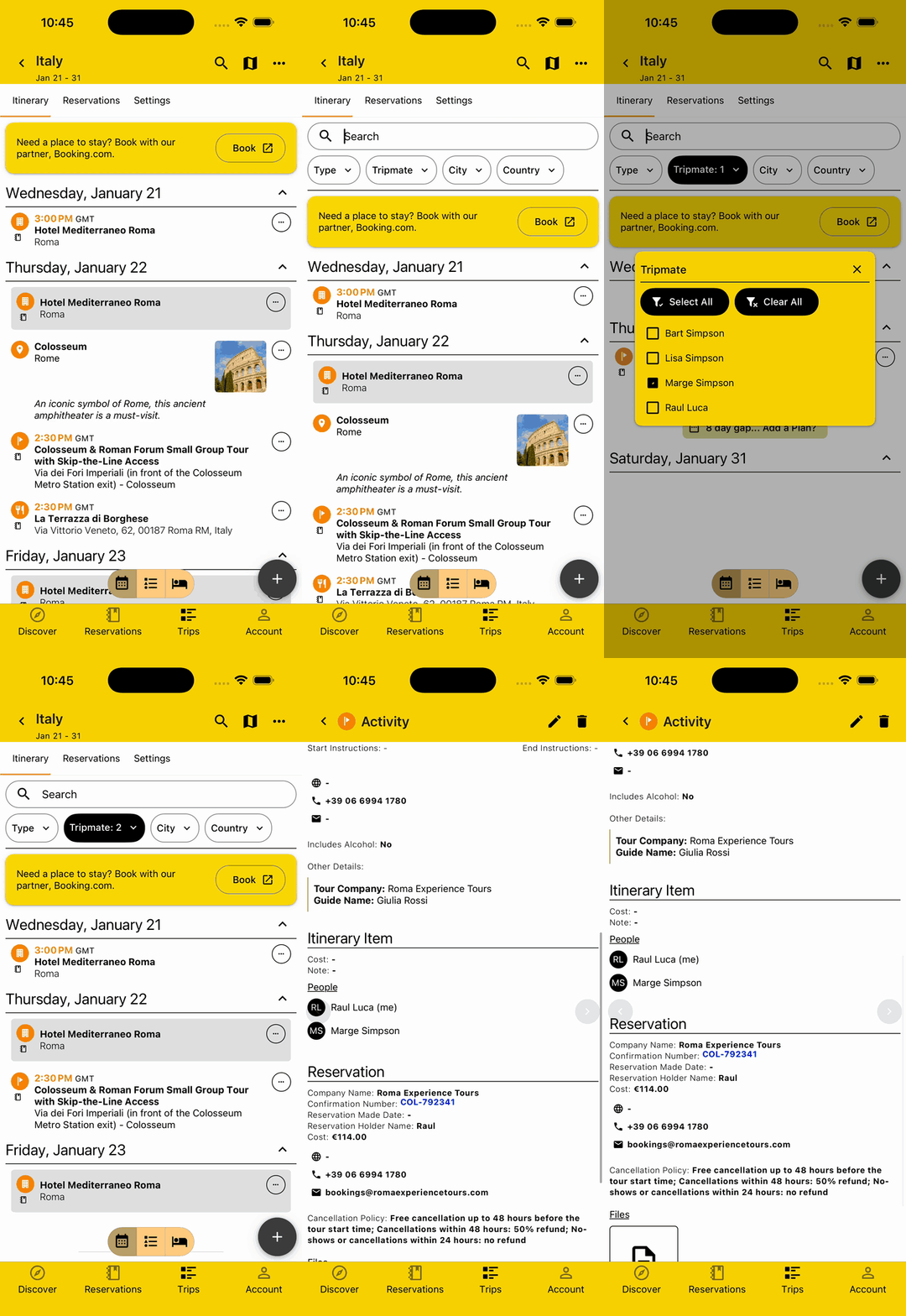
Filter by Family Member
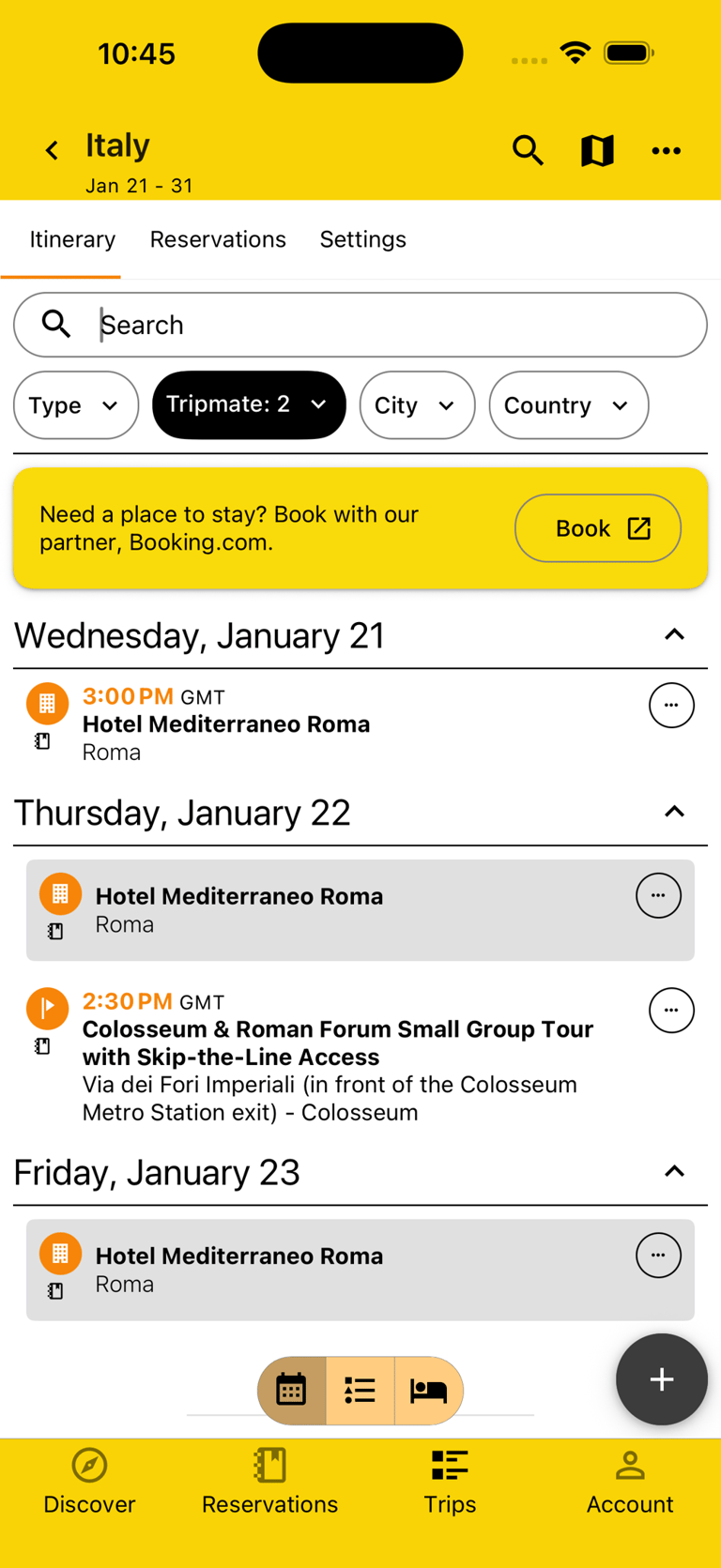
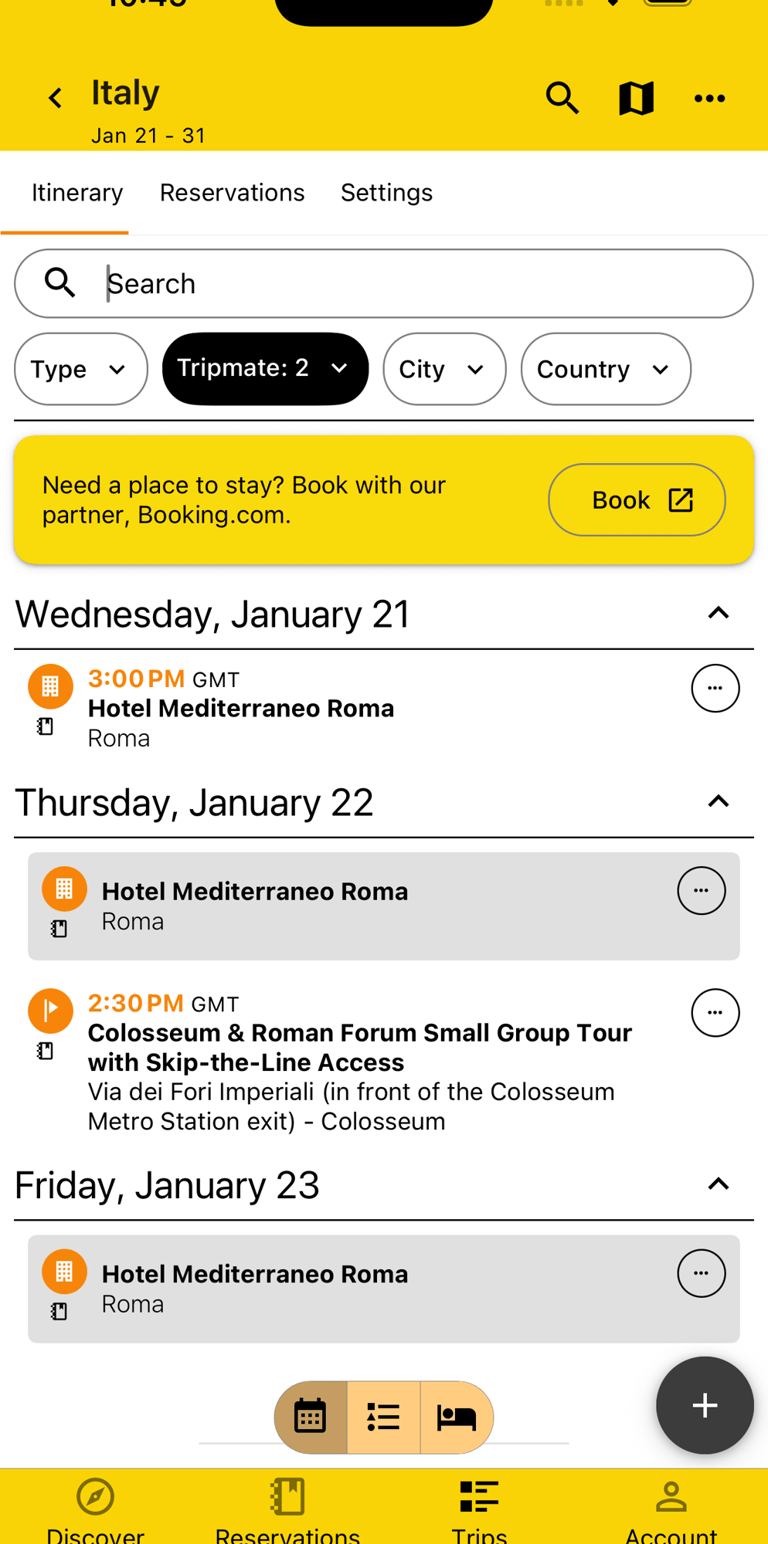
Say you want to go on a tour while the kids would rather go eat, but you still want to keep everything in a shared Trip because you're mostly doing the same things. No worries, just add the relevant family member to the Itinerary Item and then filter to see just what's relevant to you.
Add Checklists & Notes
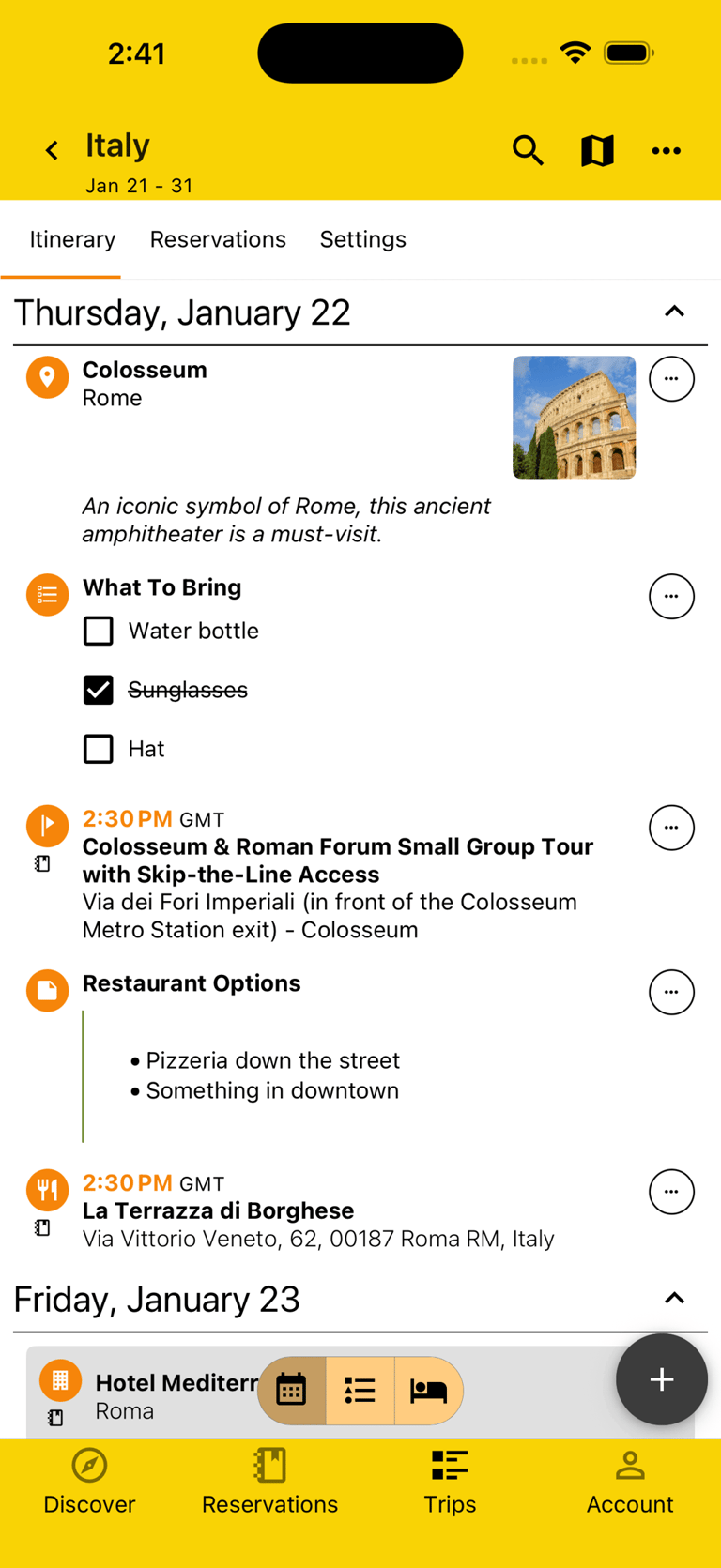
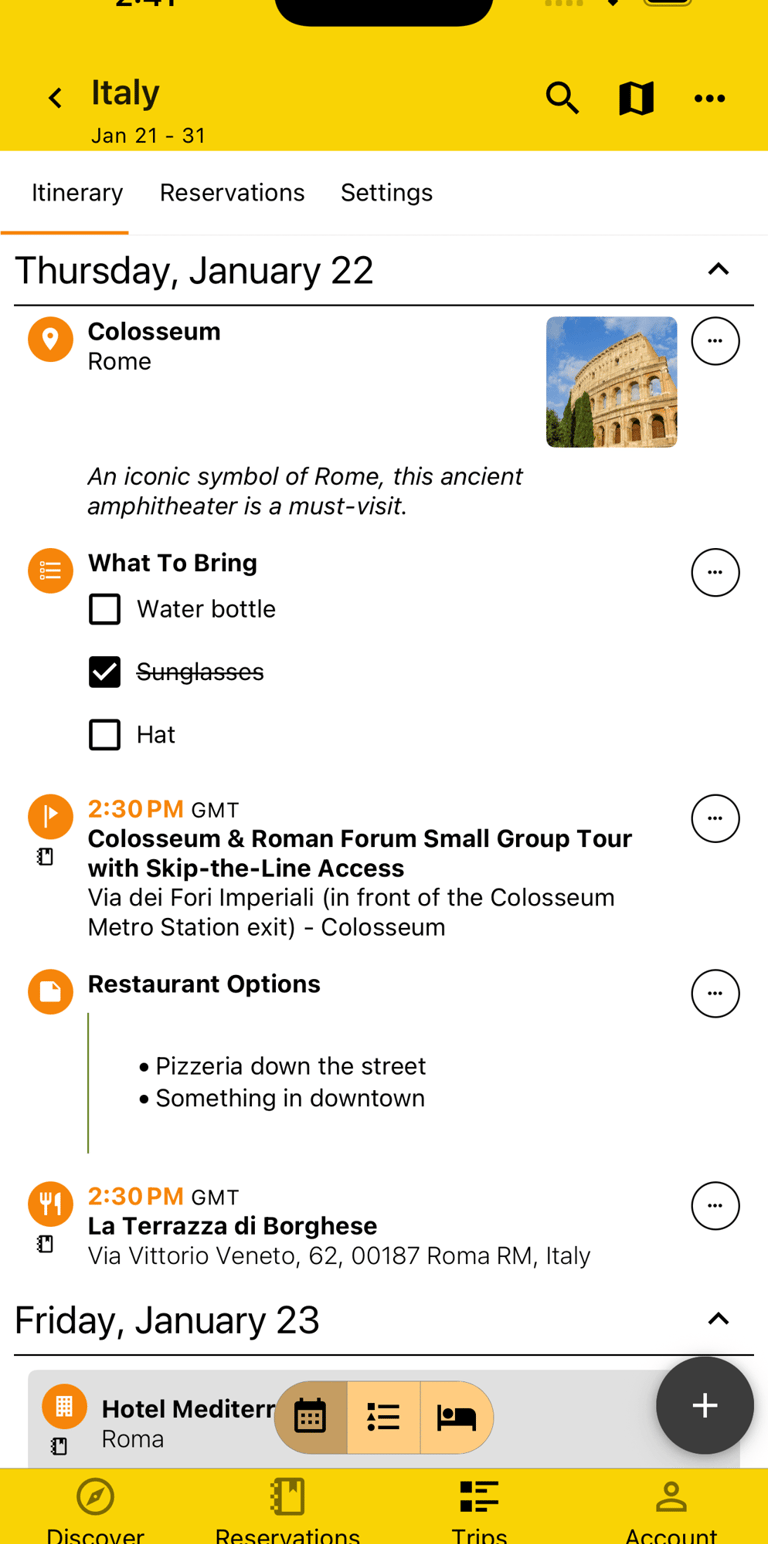
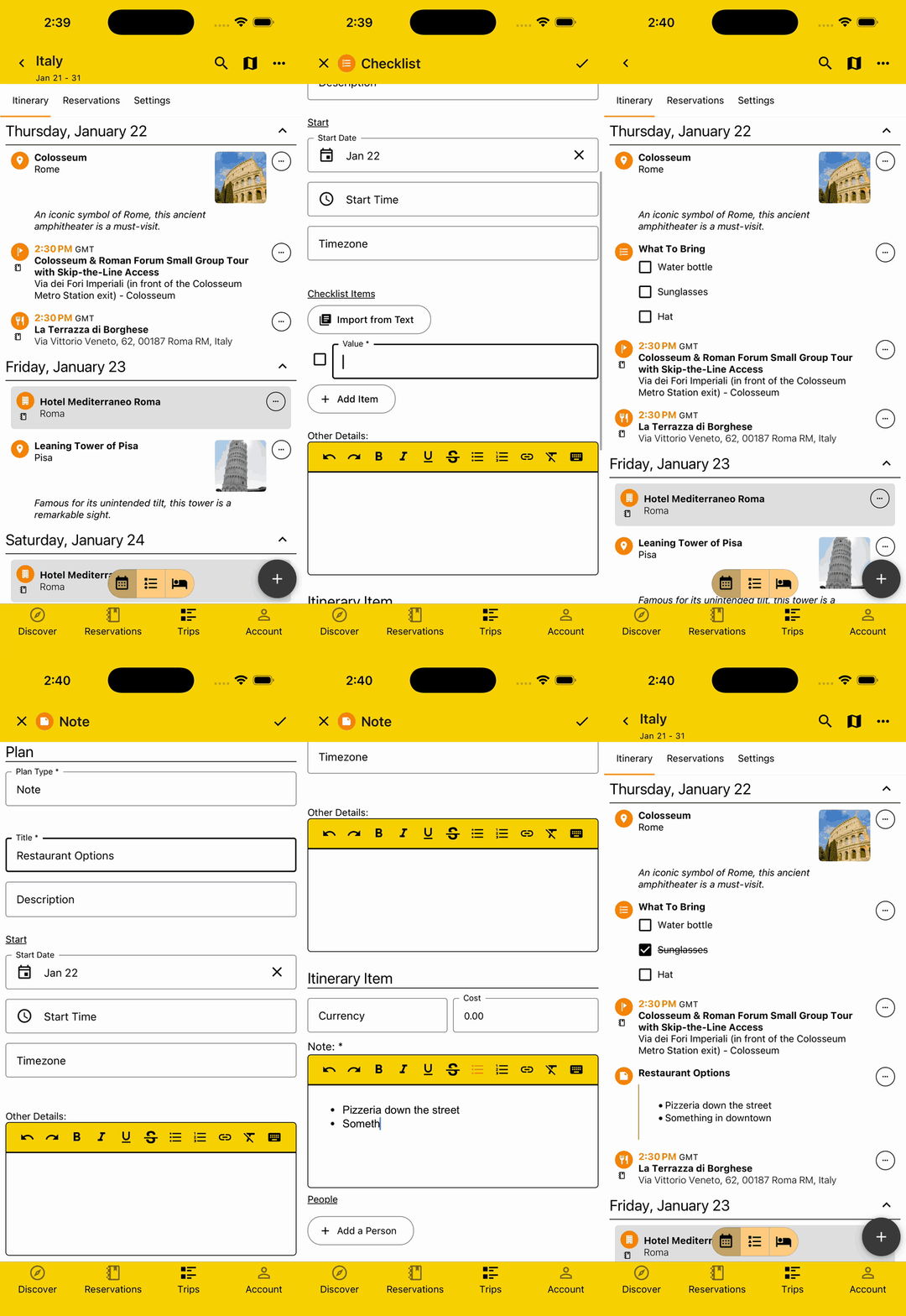
Remember the baby's bottle. Check. Remember the car seat. Check. Note which restaurants you want to try. On it.
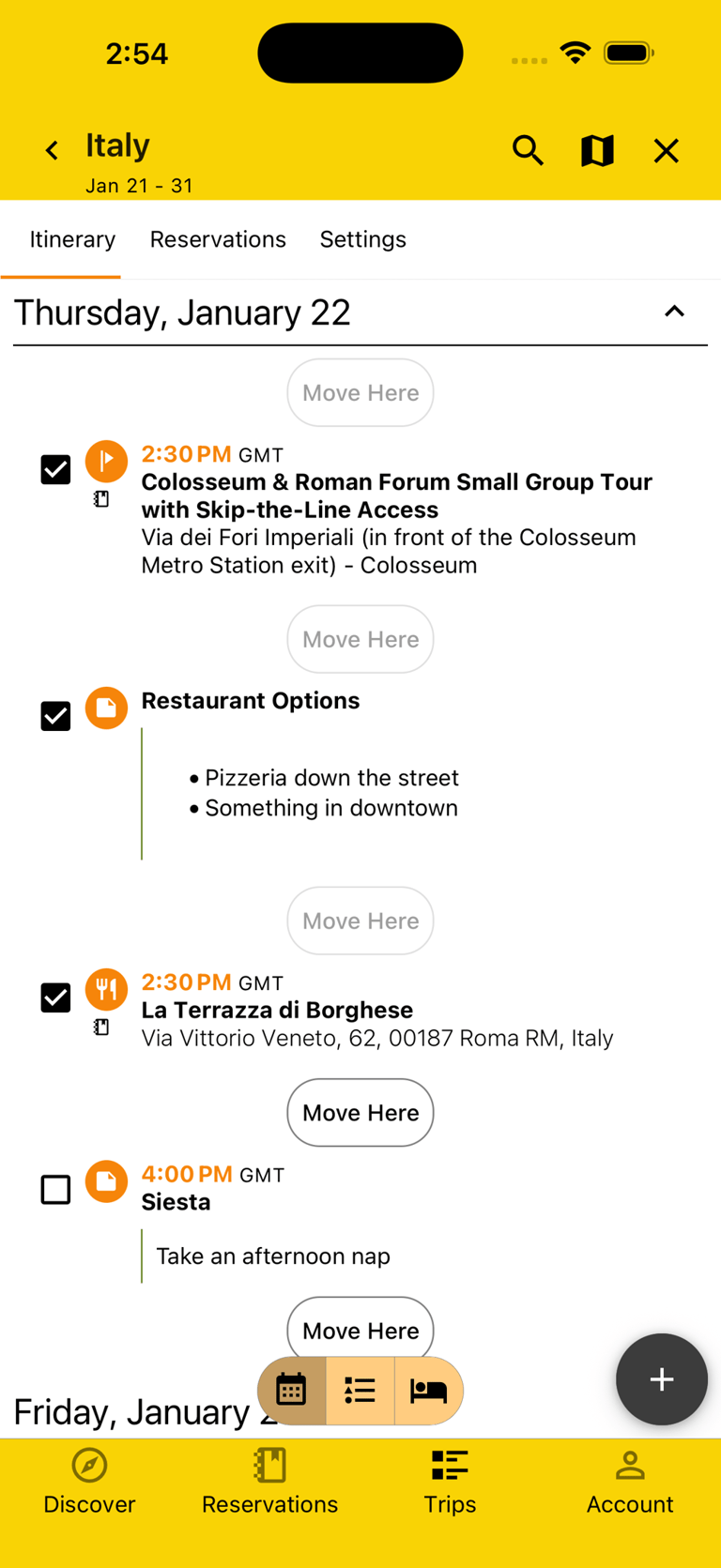
With Checklists and Notes, you can be on it. Whether it's a todo list or a long note, you can add them on the relevant date and time so you don't have to remember or search another app.
Rearrange Plans
Things can change quickly with kids. They refuse to get dressed and you suddenly need to push brunch back. They wake up sick and you need to rearrange you're whole day to accommodate.
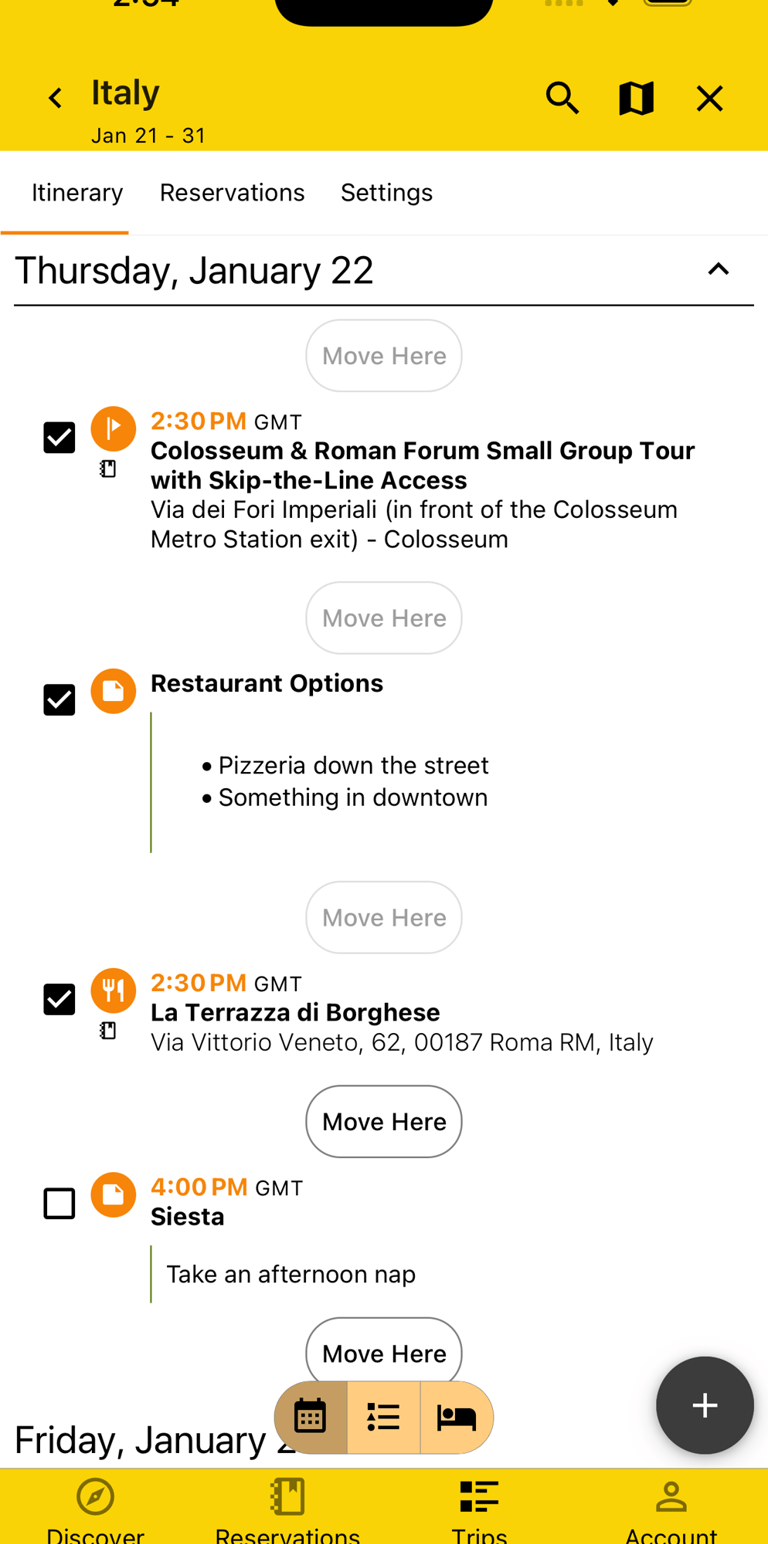
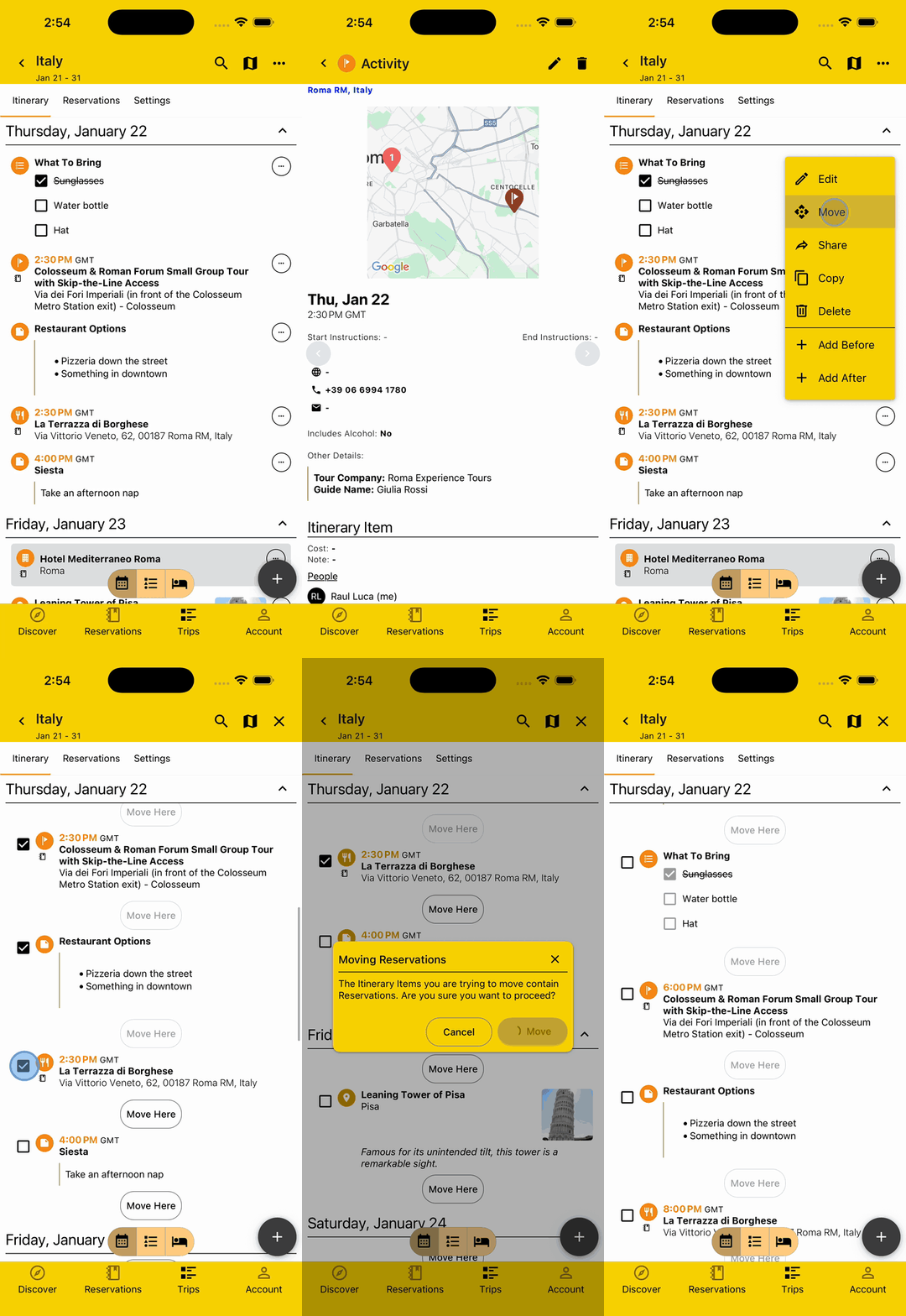
We got you! Call that brunch place with the number you saved in the app and rearrange it and your day with just a few clicks to keep you on track.
View Itinerary without Clutter
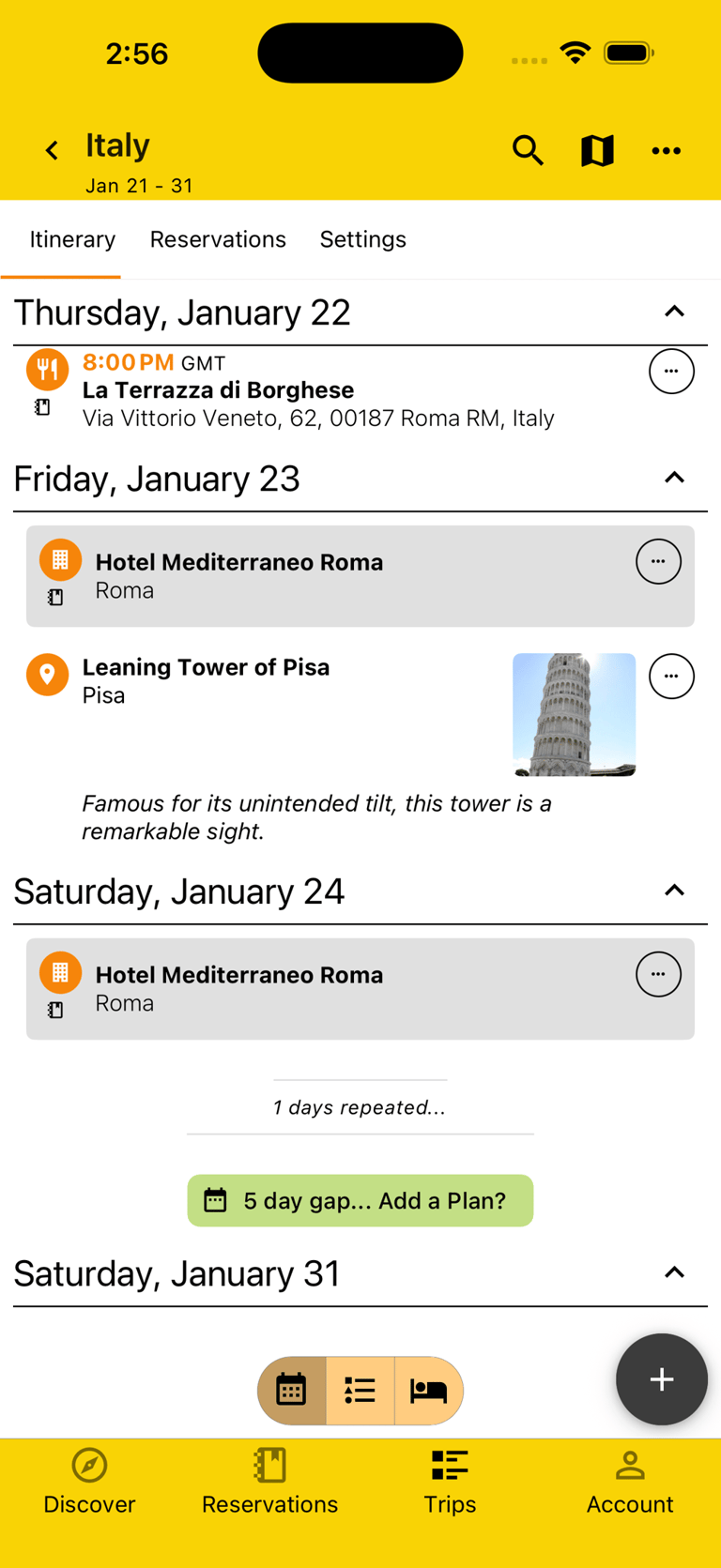
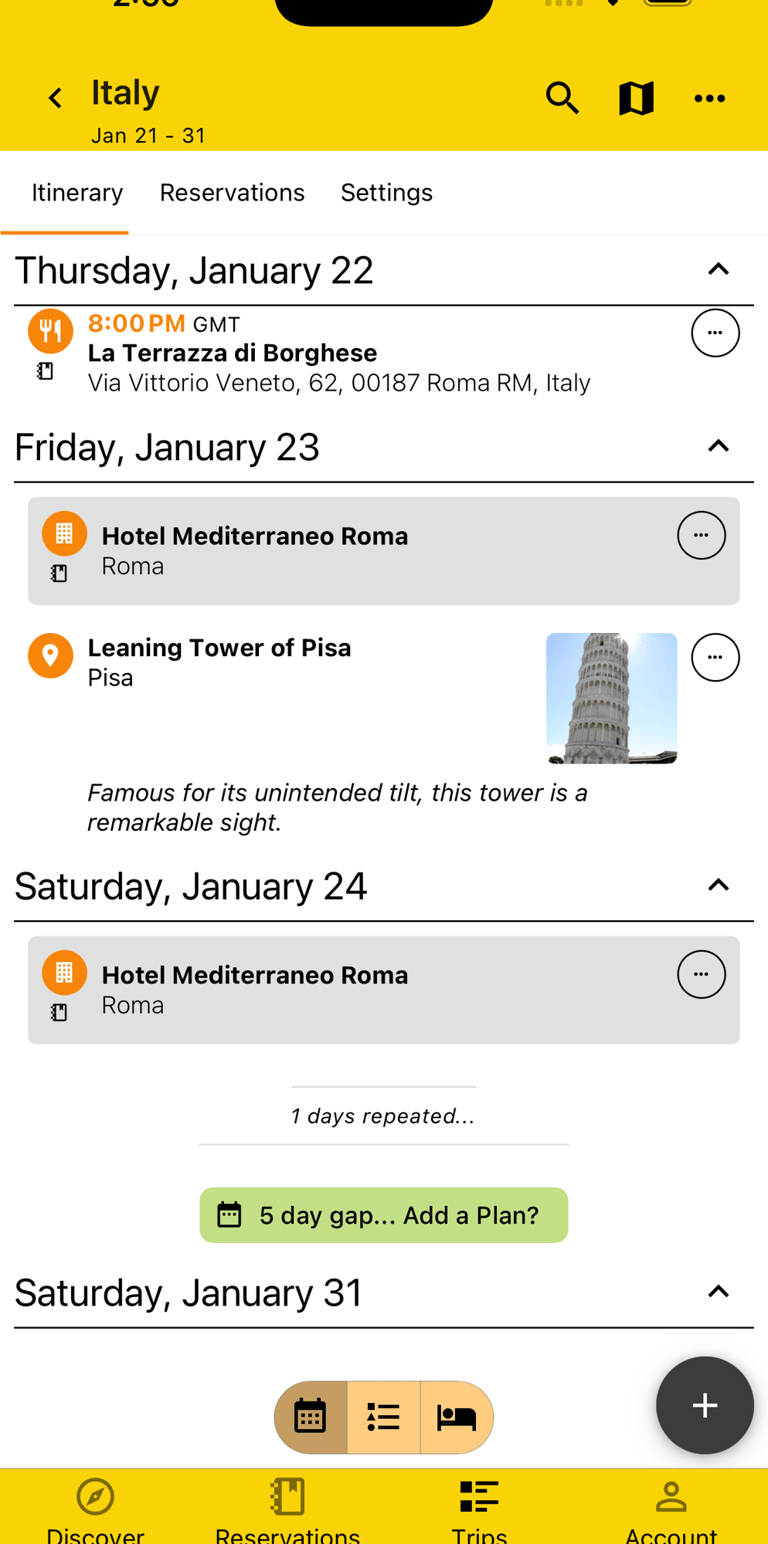
Kids love a routine, but your eyes don't like the repetition. Instead of seeing the same empty or repeated day over and over again, we simplify things by consolidating it all so you only have to see the changes, not the clutter.
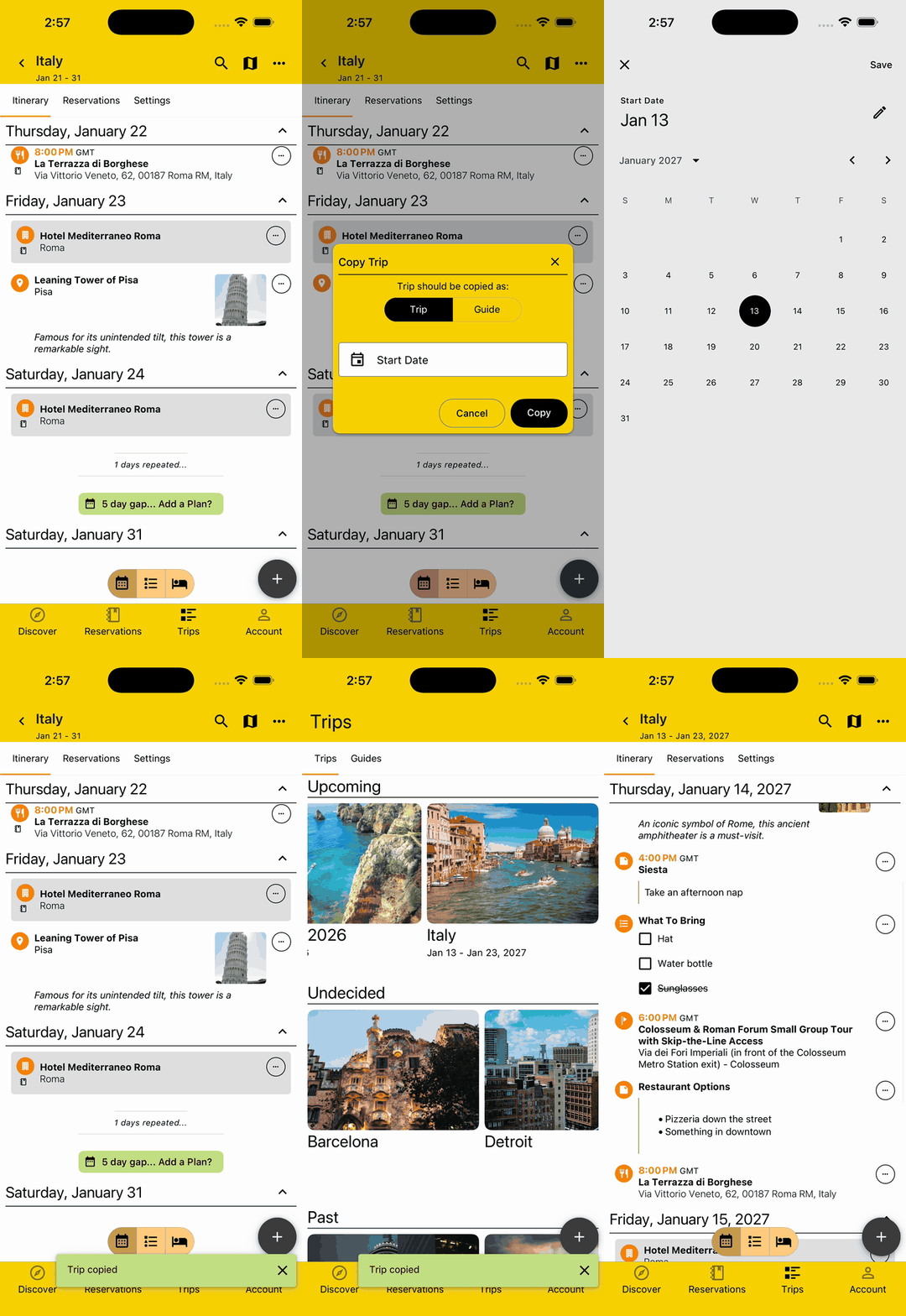
Copy & Repeat
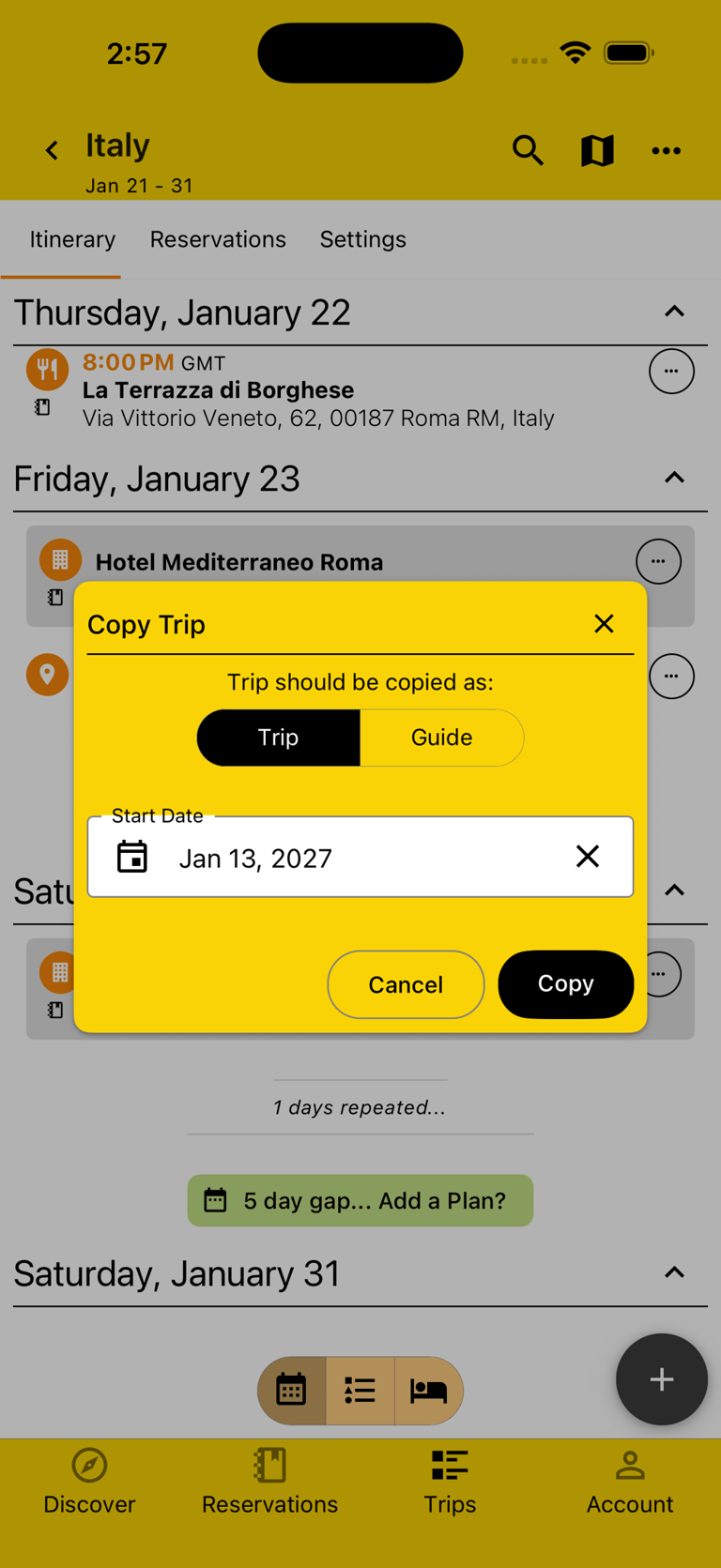
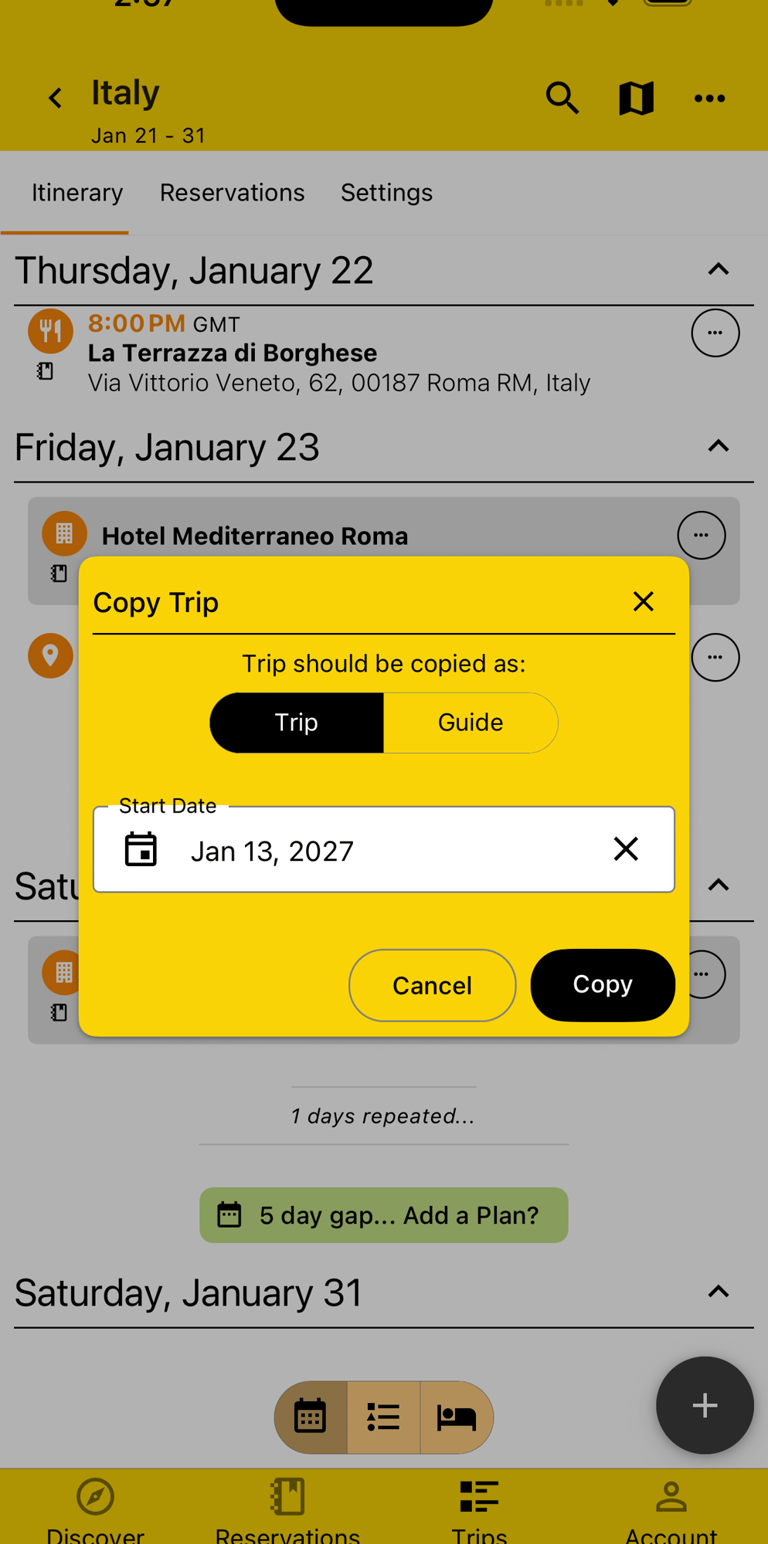
Loved that trip you took last year with the family but dreading having to Plan it all over again? Just make a copy of your Trip and start from a familiar place, updating just what's going to change, like the dates, or booking two rooms instead of one...
Your Ultimate Travel Companion
Connect
© 2026. All rights reserved.


Say Hi!
Get the App